

MX-Linux
by anticapitalista and contributors
- Version
- 25.3
- Size
- 8.2 GB
- Updated
- Publisher
- anticapitalista and contributors
- Category
- Utilities
- Files
- 5
MX-Linux screenshots
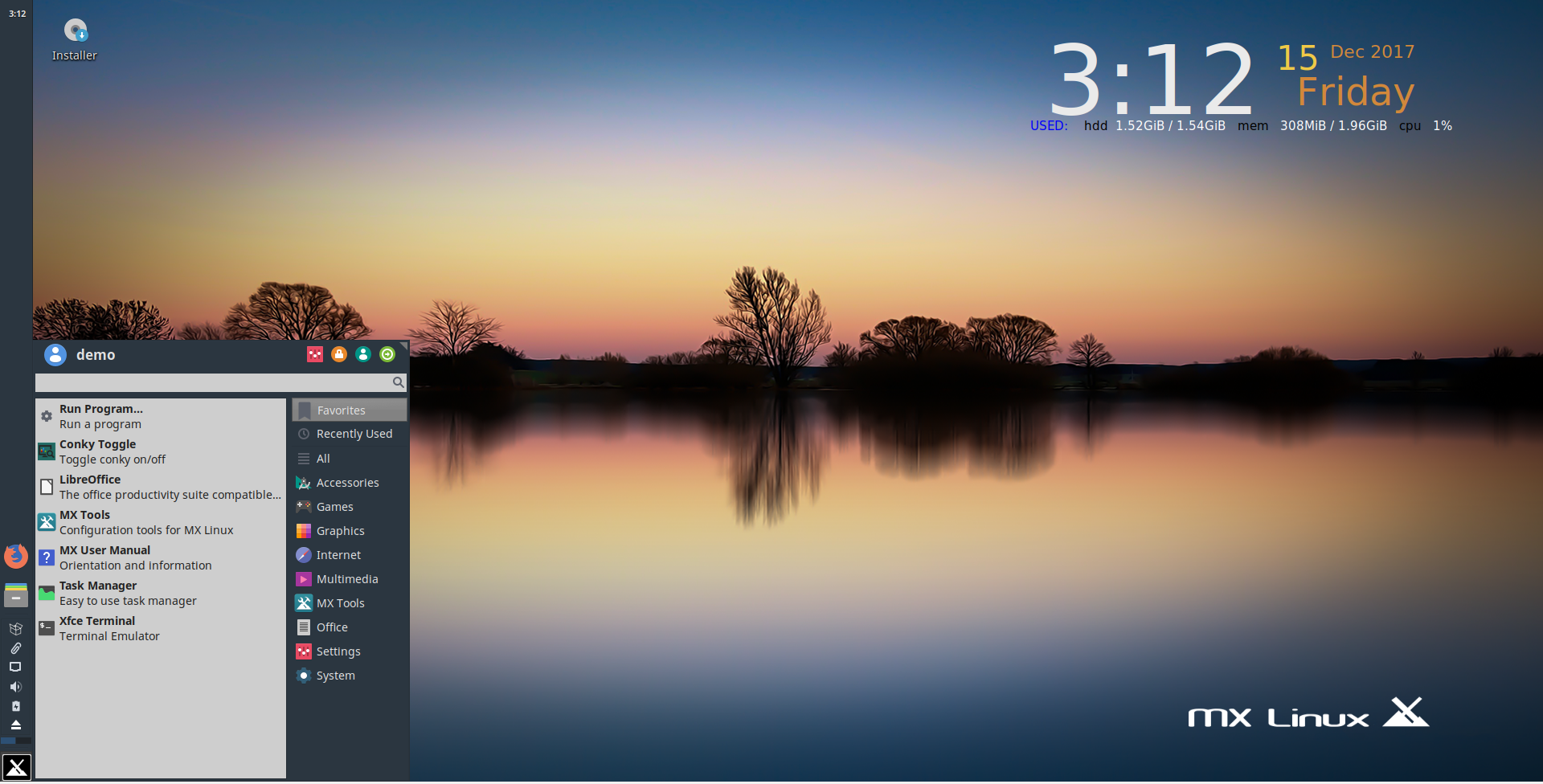

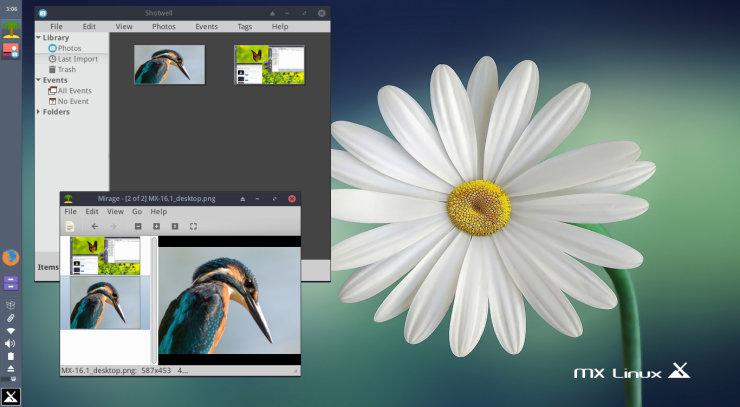
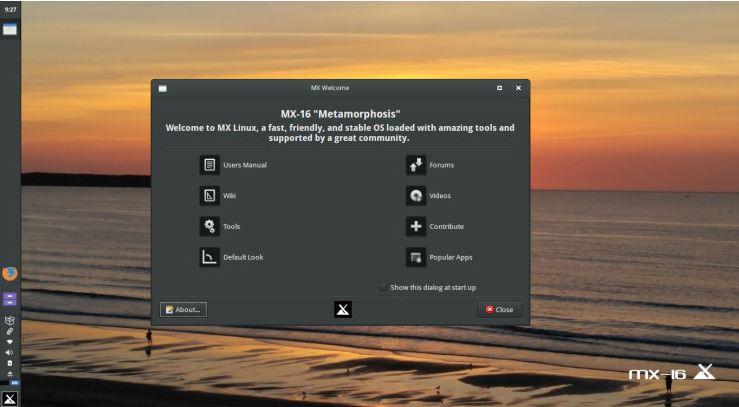
About MX-Linux
MX Linux is a free desktop Linux distribution developed as a cooperative venture between the antiX and MX Linux communities. It is built on Debian's stable branch, which gives it a reliable base, and pairs that with efficient desktops and a large collection of in-house graphical tools. Its goal is a system that is elegant, stable and fast while remaining approachable for newcomers, and it has long been one of the most popular distributions among desktop users.
The flagship edition uses the Xfce desktop, with KDE Plasma and the lightweight Fluxbox also offered as editions. The downloads here include the standard 64-bit Xfce ISO, an AHS (Advanced Hardware Support) variant that ships newer kernel and graphics components for recent hardware, zsync files for efficient incremental downloads, and a respin image for Raspberry Pi. MX uses sysVinit by default but includes systemd and lets you choose it from the boot menu, a flexibility that appeals to many experienced users.
MX Tools are a highlight of the distribution. These graphical utilities handle tasks that would otherwise require the terminal, such as installing popular packages, managing drivers, tweaking the desktop, repairing the boot loader, creating live USB drives and adjusting user settings. Inherited from antiX, the live system is unusually capable: you can run MX from a USB stick with persistence so your changes survive reboots, and MX Snapshot can turn your configured installation into a bootable ISO for backup or for deploying the same setup on other machines.
To try MX Linux, write the ISO to a USB drive with a tool such as Etcher, Rufus or MX's own Live USB Maker, then boot from it to test before installing. Although the listing mentions Windows, this is a full operating system rather than a Windows program. MX runs well on modest and older computers, but it is equally at home on modern hardware, especially with the AHS edition. Documentation, video tutorials and a friendly forum make it a good place to learn Linux.
Key features
- Debian stable base
- MX Tools graphical utilities
- Live USB with persistence
- MX Snapshot for custom ISOs
- AHS and Raspberry Pi images
Pros
- Stable and fast
- Beginner-friendly tools
- Great live system
Cons
- Not the newest packages by default
- Choice of init may confuse newcomers
System requirements
A 64-bit PC with at least a few gigabytes of disk space; runs on older hardware. A USB drive is needed for installation.
Tips
- Choose the AHS ISO if you have very recent graphics hardware
- Use MX Snapshot to back up a finished setup as a bootable ISO
Description from the publisher
MX-Linux project
MX Linux is a cooperative venture between the antiX and MX Linux communities. It is a family of operating systems that are designed to combine elegant and efficient desktops with high stability and solid performance. MX’s graphical tools provide an easy way to do a wide variety of tasks, while the Live USB and snapshot tools inherited from antiX add impressive portability and remastering capabilities. Extensive support is available through videos, documentation and a very friendly Forum.
At a glance
MX-Linux is a free utilities app published by anticapitalista and contributors (mxlinux.org). MX-Linux project
SOFTGIT offers 5 files for MX-Linux covering Windows, Linux, 8.2 GB in total. The version listed is v25.3, last updated on September 20, 2026.
MX-Linux belongs to the Utilities category, alongside scrcpy, GeoServer, OpenBoxes. Browse related apps below to compare alternatives.
Download MX-Linux v25.3
| File | SHA-256 | Size | Download |
|---|---|---|---|
| MX-25.3_Xfce_ahs_x64.isoISO | Listed on SourceForge | 3.0 GB | Download |
| MX-25.3_Xfce_ahs_x64.iso.zsyncZSYNC | Listed on SourceForge | 5.9 MB | Download |
| MX-25.3_Xfce_x64.isoISOWindows | 25b5ce20caeee1b0e50507291df5ac8a8211b1b9999d8dd7416da9b66ed9fbf9 |
2.7 GB | Download |
| MX-25.3_Xfce_x64.iso.zsyncZSYNC | Listed on SourceForge | 5.5 MB | Download |
| mx25.3_rpi_respin_arm64.zipZIP | Listed on SourceForge | 2.5 GB | Download |
Verify a download: sha256sum file (Linux), shasum -a 256 file (macOS) or Get-FileHash file (Windows PowerShell). Learn more.
Source: sourceforge.net/projects/mx-linux. The Download button opens the official SourceForge download; the file is not hosted here.
MX-Linux system requirements
- Operating system
- Linux
- Download size
- 2.7 GB (MX-25.3_Xfce_x64.iso)
- Project page
- sourceforge.net/projects/mx-linux
MX-Linux FAQ
What is MX Linux based on?
Debian stable, combined with tools and live-system technology from antiX.
Which desktops are available?
Xfce is the flagship; KDE Plasma and Fluxbox editions are also offered.
What is the AHS edition?
Advanced Hardware Support: a variant with newer kernel and graphics components for recent hardware.
Does MX Linux use systemd?
It boots with sysVinit by default, but systemd is included and can be selected at boot.
How do I install it?
Write the ISO to a USB drive, boot from it, try the live session and then run the installer.
Is MX-Linux free?
SourceForge does not list a license for MX-Linux; check the project page. Read the license terms before using it.
Which operating systems does MX-Linux support?
SourceForge lists Linux for MX-Linux.
Where does the MX-Linux download come from?
The Download button takes you to the official SourceForge download for MX-Linux (sourceforge.net/projects/mx-linux). SOFTGIT does not modify or re-host the file.
Is MX-Linux free to download?
Yes. MX-Linux is listed as “Free” and the download from SOFTGIT is free of charge.
How do I download MX-Linux?
Open the “Download” section on this page and press Download. You are taken to the official SourceForge download for MX-Linux; the file itself is hosted by SourceForge.
Is MX-Linux safe to install?
SOFTGIT links to the files exactly as published on the official SourceForge project page (sourceforge.net/projects/mx-linux). Nothing is repackaged or wrapped. Compare the checksum shown on this page, where available, with the downloaded file.
Which platforms does MX-Linux support?
The files listed here target Windows, Linux.
How big is the MX-Linux download?
All files together are 8.2 GB.
Who makes MX-Linux?
MX-Linux is developed by anticapitalista and contributors (https://mxlinux.org).
Provenance
- Publisher
- anticapitalista and contributors
- Source
- mxlinux.org
- Last check
- 19 days ago
- License
- Free
- Imported from
- Source: sourceforge.net/projects/mx-linux

