

AndroidTV-x86_64
by Phuc Lee
- Size
- 16 GB
- Updated
- Publisher
- Phuc Lee
- Category
- Utilities
- Files
- 7
AndroidTV-x86_64 screenshots
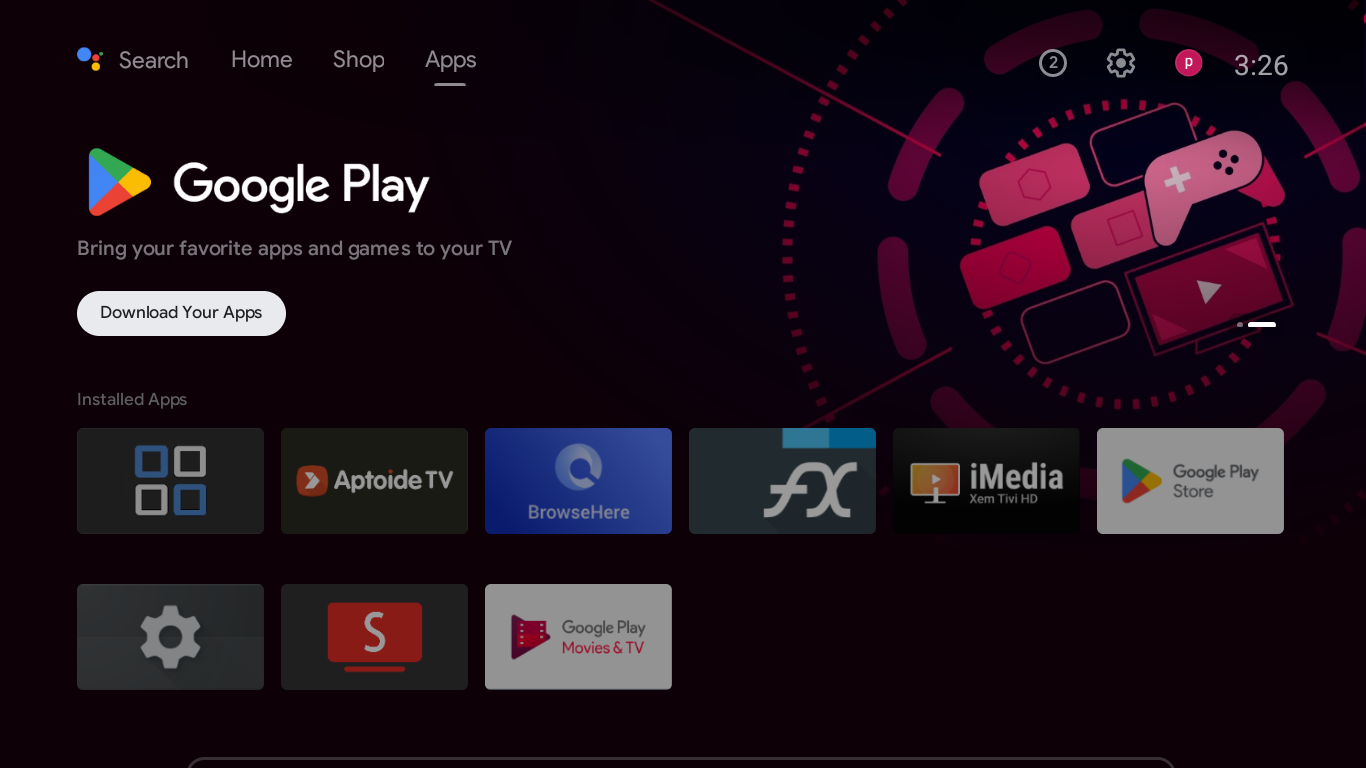
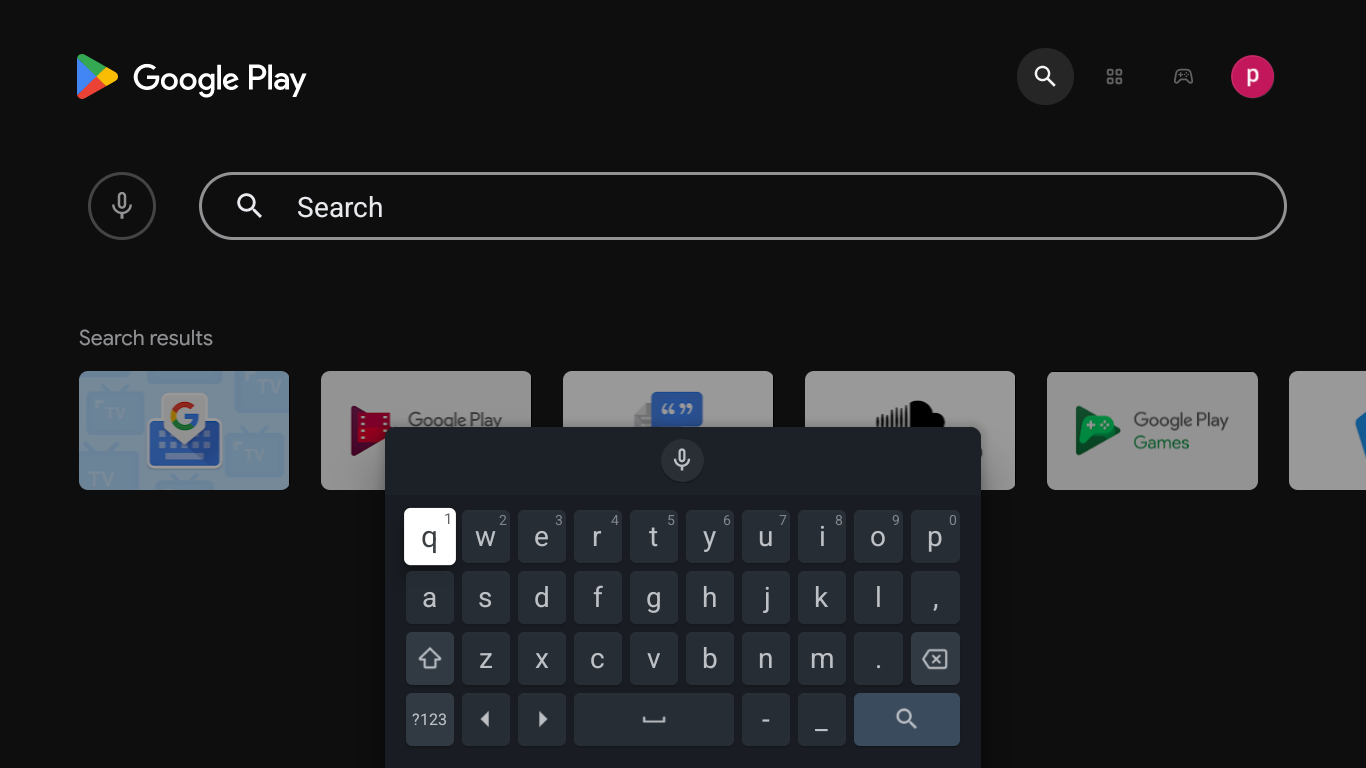
About AndroidTV-x86_64
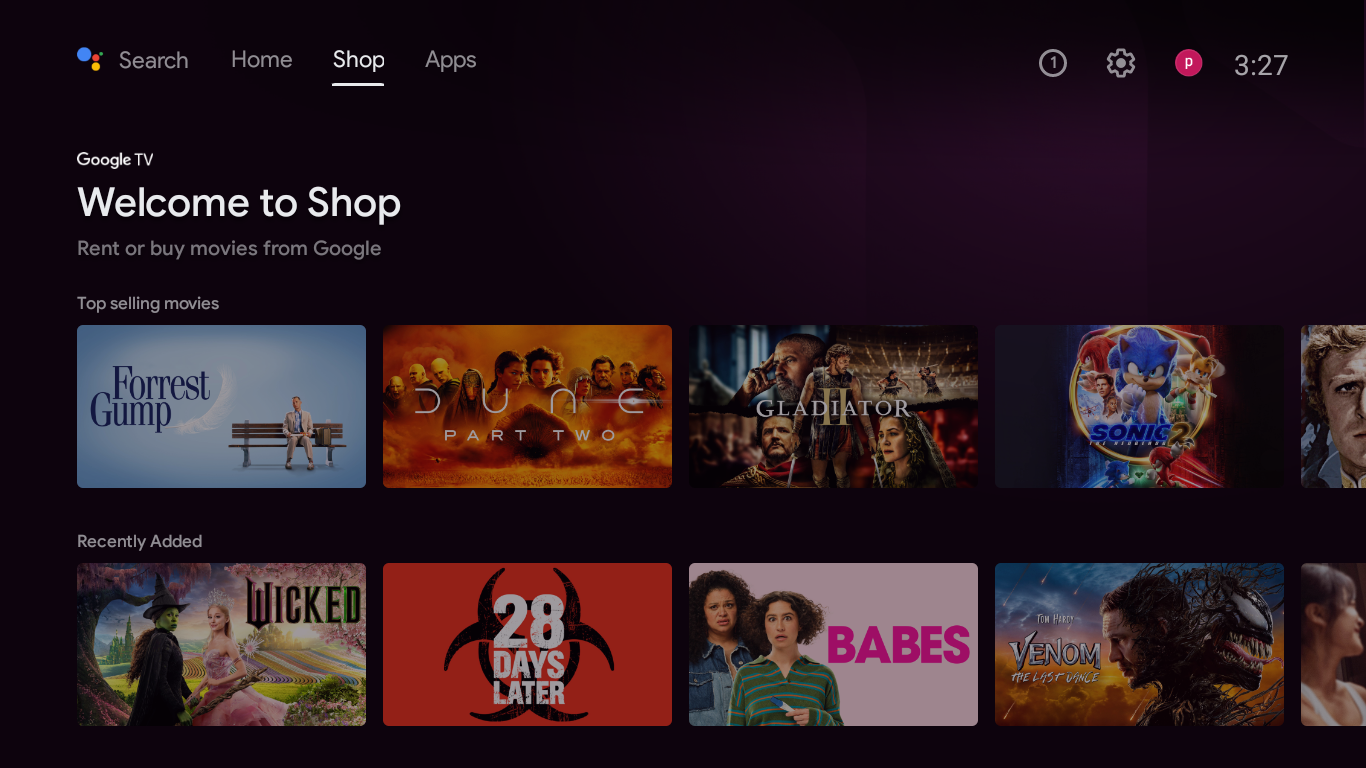
AndroidTV-x86_64 is a community project that rebuilds Android TV and Google TV style systems for ordinary PCs with x86-64 processors. Instead of running on a TV box or smart TV, the system is packaged as ISO images that you can boot on a computer, turning it into a living-room media device with a TV-oriented launcher designed for remote controls and big screens.
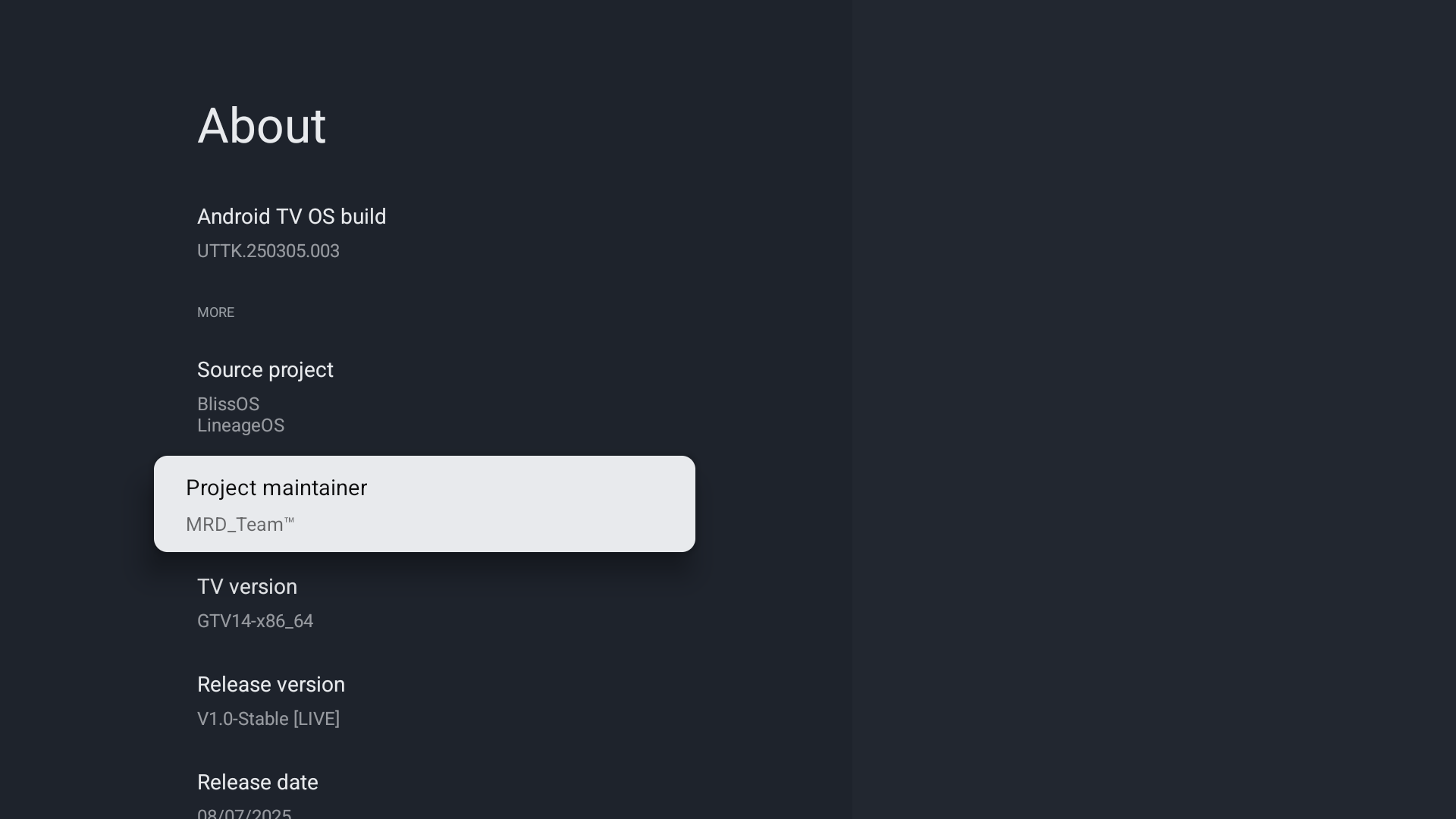
According to the project, the builds are assembled from several open-source Android-x86 related projects, such as BlissOS, LineageOS, LMODroid and PrimeOS, and are maintained by a small team known as MRD Team. The goal is an entertainment-focused experience: simple navigation, large tiles and apps that suit watching video and casual use rather than desktop productivity. The releases listed here are dated ISO builds, so you can see how the project has progressed and pick a specific version.
Typical use is to write an ISO to a USB drive and boot an old laptop, mini PC or home-theatre PC from it, or to try it inside a virtual machine first. Hardware support depends on drivers available for Android on x86, so results vary with graphics chips, Wi-Fi adapters and remote receivers. The project page also notes that some builds are offered as a time-limited trial version, so read the release notes on the project's blog before installing to understand what each build includes.
This is an enthusiast project rather than an official Google product, and it is best approached as an experiment for spare hardware. Back up anything important before installing to an internal disk, and expect some trial and error. For people who want to reuse an older PC as a TV interface, though, it offers an interesting alternative to buying a dedicated streaming box.
When it works on your hardware, the result can be a quiet, inexpensive media centre built from parts you already own, with access to TV-style apps and a remote-friendly interface.
Key features
- Bootable ISO images for x86-64 PCs
- TV-oriented launcher for remote-control use
- Based on open-source Android-x86 projects
- Multiple dated builds to choose from
Pros
- Reuses spare PCs as TV devices
- Can be tested from USB or a VM first
Cons
- Hardware compatibility varies
- Unofficial project; some builds are time-limited trials
System requirements
A 64-bit x86 PC or virtual machine, a USB drive for the boot image, and compatible graphics and network hardware.
Tips
- Try a build in a virtual machine or from USB before touching your internal disk
- Read the release notes on the project blog for the build you choose
Description from the publisher
https://androidtv-x86-64.sourceforge.io
Version: Trial (30 days)
(Version released from 2025-11-24)
- It is an operating system based on the open source Android platform, rebuilt from source projects (BlissOS, LineageOS, LMODroid, PrimeOS) for computers using x86 processors.
- Android/Google TV x86_64 (also known as ATV/GTV x86_64), this is an entertainment-oriented product, providing simplified operations suitable for all ages.
- The project is maintained by MRD_Team and individual products are shared here.
Note:
- Visit our Blog for all the Information and Guide.
- Please cite sources if you share on any social media platforms.
At a glance
AndroidTV-x86_64 is a free utilities app published by Phuc Lee (mrdteam.blogspot.com). https://androidtv-x86-64.sourceforge.io
SOFTGIT offers 7 files for AndroidTV-x86_64 covering Windows, 16 GB in total, last updated on August 11, 2026.
AndroidTV-x86_64 belongs to the Utilities category, alongside scrcpy, GeoServer, OpenBoxes. Browse related apps below to compare alternatives.
Download AndroidTV-x86_64
| File | SHA-256 | Size | Download |
|---|---|---|---|
| ATV14-x86_64-MRDTeam-V21T-251121.isoISO | Listed on SourceForge | 2.3 GB | Download |
| ATV14-x86_64-MRDTeam-V22T-260101.isoISO | Listed on SourceForge | 2.2 GB | Download |
| ATV14-x86_64-MRDTeam-V23T-260118.isoISO | Listed on SourceForge | 2.2 GB | Download |
| ATV14-x86_64-MRDTeam-V24T-260202.isoISO | Listed on SourceForge | 2.2 GB | Download |
| ATV14-x86_64-MRDTeam-V25T-260409.isoISO | Listed on SourceForge | 2.2 GB | Download |
| ATV14-x86_64-MRDTeam-V26T-260520.isoISO | Listed on SourceForge | 2.2 GB | Download |
| ATV14-x86_64-MRDTeam-V27T-260811.isoISOWindows | db7c7d3ea274a7284c588fe432cc00ce95f4847c40c419d0a067be3d45ccb10c |
2.9 GB | Download |
Verify a download: sha256sum file (Linux), shasum -a 256 file (macOS) or Get-FileHash file (Windows PowerShell). Learn more.
Source: sourceforge.net/projects/androidtv-x86-64. The Download button opens the official SourceForge download; the file is not hosted here.
AndroidTV-x86_64 system requirements
- Download size
- 2.9 GB (ATV14-x86_64-MRDTeam-V27T-260811.iso)
- Project page
- sourceforge.net/projects/androidtv-x86-64
AndroidTV-x86_64 FAQ
Is AndroidTV-x86_64 an official Google release?
No. It is a community build maintained by an independent team, assembled from open-source Android-x86 projects.
What hardware does it run on?
PCs with 64-bit x86 processors. Compatibility depends on driver support for your graphics, network and input hardware.
Can I test it without installing?
Yes. You can boot the ISO from a USB drive or try it in a virtual machine before installing to a disk.
Are all builds free?
The project describes some builds as trial versions with a time limit. Check the release notes on the project's blog for details of each build.
Is AndroidTV-x86_64 free?
SourceForge does not list a license for AndroidTV-x86_64; check the project page. Read the license terms before using it.
Where does the AndroidTV-x86_64 download come from?
The Download button takes you to the official SourceForge download for AndroidTV-x86_64 (sourceforge.net/projects/androidtv-x86-64). SOFTGIT does not modify or re-host the file.
Is AndroidTV-x86_64 free to download?
Yes. AndroidTV-x86_64 is listed as “Free” and the download from SOFTGIT is free of charge.
How do I download AndroidTV-x86_64?
Open the “Download” section on this page and press Download. You are taken to the official SourceForge download for AndroidTV-x86_64; the file itself is hosted by SourceForge.
Is AndroidTV-x86_64 safe to install?
SOFTGIT links to the files exactly as published on the official SourceForge project page (sourceforge.net/projects/androidtv-x86-64). Nothing is repackaged or wrapped. Compare the checksum shown on this page, where available, with the downloaded file.
Which platforms does AndroidTV-x86_64 support?
The files listed here target Windows.
How big is the AndroidTV-x86_64 download?
All files together are 16 GB.
Who makes AndroidTV-x86_64?
AndroidTV-x86_64 is developed by Phuc Lee (https://mrdteam.blogspot.com/2024/11/androidtv-x8664-phien-ban-on-inh.html).
Provenance
- Publisher
- Phuc Lee
- Source
- mrdteam.blogspot.com
- Last check
- 1 month ago
- License
- Free
- Imported from
- Source: sourceforge.net/projects/androidtv-x86-64

